
SignFree
Free Adobe Acrobat Sign alternative
SignFree is a free Adobe Acrobat Sign alternative built for solo entrepreneurs and lean teams who need real unlimited e-signatures — not a capped trial.
Last checked: September 8, 2026
Adobe Acrobat Sign fits teams already paying for Acrobat and enterprise Adobe agreements. Solo operators who only need e-sign should not rent an entire PDF suite to click “sign.” SignFree is the simpler path.
Feature and limit comparison
| Feature / limit | SignFree Free | Pro | Adobe Acrobat Sign |
|---|---|---|---|
| Documents & signatures | Unlimited | Unlimited | Tied to Acrobat / enterprise agreements |
| Free-tier send limits | No monthly envelope cap for normal solo use; abuse protections apply | Same Free signing + Pro extras | Not positioned as unlimited free e-sign |
| Templates, reminders, tracking | Strong with Acrobat ecosystem | ||
| Multi-signer | |||
| Email OTP | |||
| SMS OTP | — | Enterprise / plan dependent | |
| Audit trail & verification | |||
| White-label / branding | Powered by SignFree badge | Your logo / white-label | Enterprise branding options |
| Team collaboration | Solo workspace | Unlimited team members | Enterprise seats |
| Hosting model | Managed SaaS | Managed SaaS | Adobe cloud |
| Price model | $0 forever | From $9.99/mo yearly | Acrobat / enterprise licensing |
Structural comparison based on publicly marketed plans (list prices; tax/VAT and promos may apply). Prices and envelope limits change by market — verify on each vendor’s site before switching. Last checked: September 8, 2026.
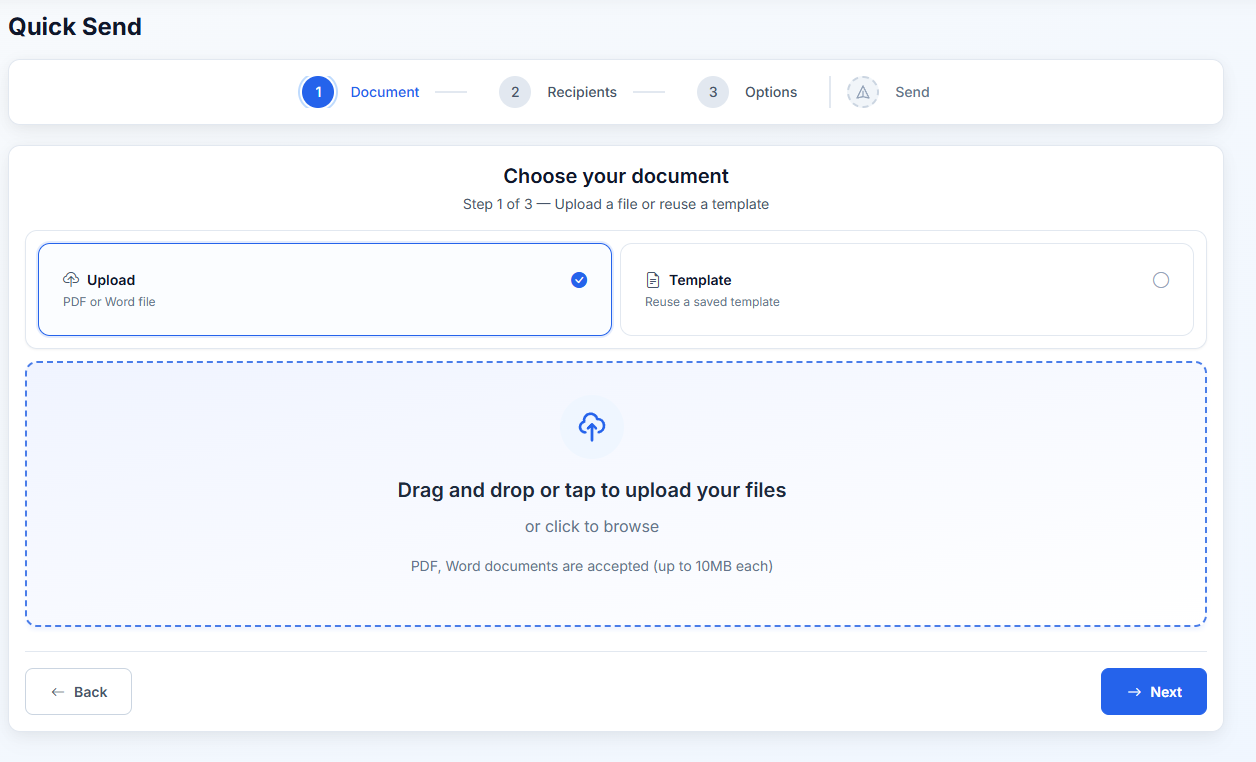
Product screenshots
Use cases
Sign a PDF you already edited
Edit in whatever tool you prefer, then send for signature with SignFree at $0.
Avoid Acrobat seat sprawl
Give clients a signing link without buying them into your Adobe stack.
Audit-ready records
Keep signed PDFs and audit trails without an enterprise Adobe contract.
When to stay on Adobe Acrobat Sign: Keep Adobe Sign if legal or IT mandates Adobe, or you need deep Acrobat editing plus enterprise controls. Use SignFree when signing is the job — upload PDF, send, done — with no suite to learn.
How to switch in three steps
- Create a free SignFree account (or send one document without an account).
- Upload a PDF you already use with Adobe Acrobat Sign — contracts, NDAs, proposals.
- Add signers, send, and download the signed file + audit trail.
FAQ
Yes. Upload a PDF, add signers, and send. Free forever for solo use.
SignFree focuses on e-sign workflows. Prepare the PDF elsewhere, then send it for signature.
Free shows a Powered by SignFree badge on the signing experience. Pro white-label removes it and uses your logo.
Related
Start signing free
Unlimited documents on Free. Pro only when you need team, SMS OTP, or white-label.
Create free account