
The 7 Best Free DocuSign Alternatives in 2026 (Honestly Compared)
Summary
DocuSign's free account lets you sign and store documents, but it does not cover sending documents out for signature, so most people searching for alternatives want a tool they can actually send with, free, month after month. The seven options below all have ongoing free plans rather than trials.
- SignFree: unlimited free sending for one-person businesses, with audit trails; team features like collaboration, SMS OTP, white-label branding, and custom email domain sit in the paid Pro plan.
- DocuSeal: 10 request emails per month, unlimited templates and storage, plus a self-hosted open-source version with no email cap.
- OpenSign: unlimited documents and a completion certificate on the free cloud plan; 15 built-in invitation emails per month, and sharing signing links yourself is the workaround.
- Documenso: 5 documents per month, up to 10 recipients per document, open source and self-hostable.
- BoldSign: 25 envelopes per month with a business email (5 with a personal email), audit trail included, no credit card.
- Signaturely: 1 signature request per month after its free trial, with audit logs; fine for occasional use only.
- Xodo Sign (formerly eversign): now about 1 document every 7 days on the free plan, so it only works for very light sending.
If you send more than a handful of documents a month and work alone, SignFree is the strongest fit. If you want open-source code you can host yourself, look at DocuSeal, OpenSign or Documenso. If you occasionally send one or two documents, BoldSign's monthly allowance or Signaturely's single free request will do.
Most "free DocuSign" search results mix up trials, one-off allowances and genuinely free plans. This comparison separates them, explains why the headline numbers are not directly comparable, and tells you plainly when each option is the right pick.
Quick Answer: Who Each Free Alternative Fits
- You work alone and send contracts regularly: SignFree, because the free plan is unlimited for one-person businesses.
- You want to self-host or inspect the code: DocuSeal, OpenSign, or Documenso. All three are open source.
- You send up to about 25 documents a month from a business email: BoldSign's free Essential plan.
- You rarely send anything, maybe one document a month: Signaturely or Xodo Sign.
Why DocuSign Is Not Really Free for Sending
DocuSign's free account is a signer account. You can upload a document, sign it yourself, and store the signed file. It stays free forever, and it is genuinely useful for permission slips, leases and forms other people send you.
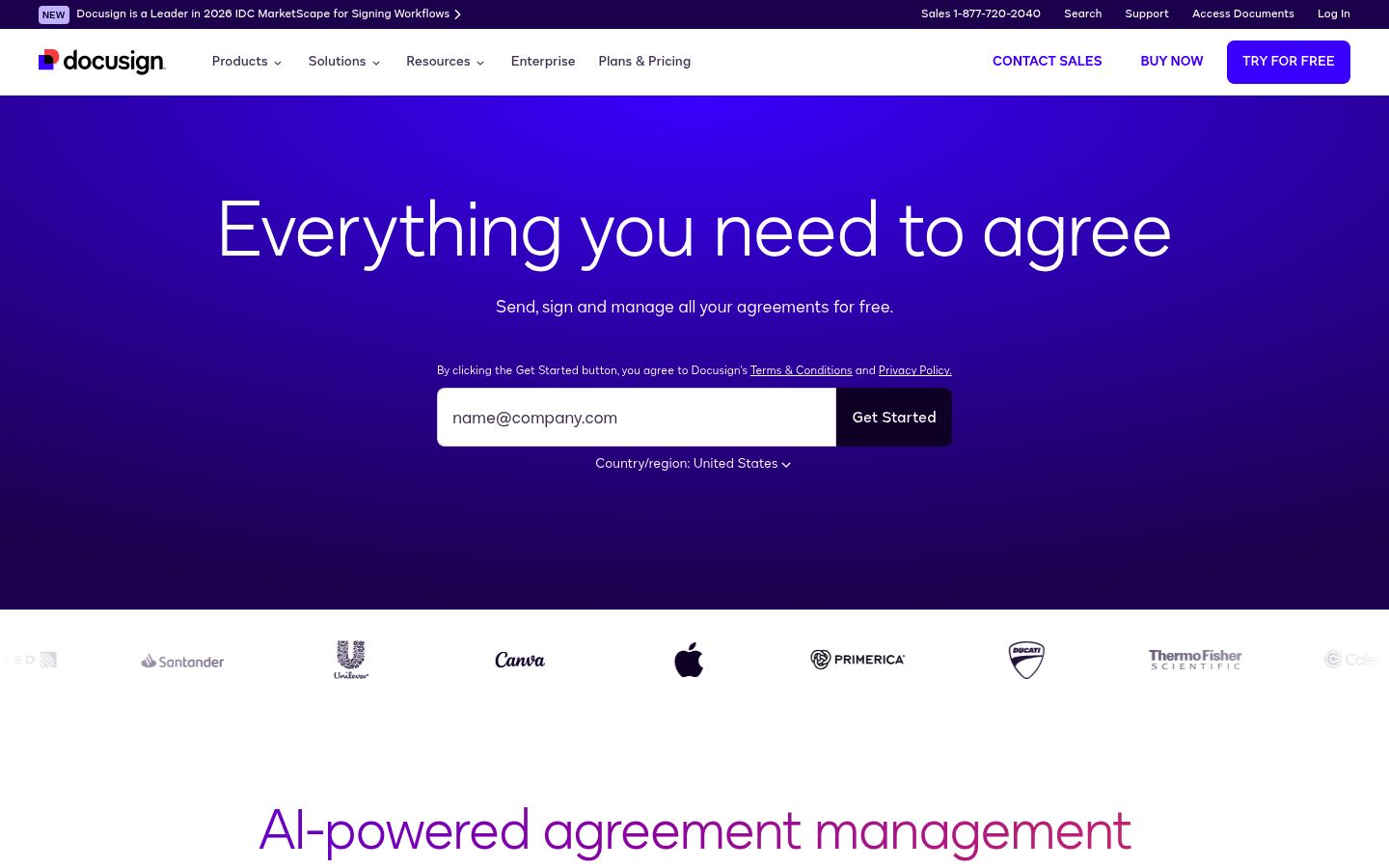
What it does not include is requesting signatures from others. Sending for signature requires a premium trial or a paid plan, and the trial allowance is a one-off bucket of about 3 sends that does not renew. Once it is used, you are on paid pricing, where the Personal plan currently costs about $11 per user per month for 5 envelope sends. That is why so many freelancers and solo founders end up searching for a free alternative to DocuSign: the free tier covers receiving, not sending.
There is nothing wrong with DocuSign itself. It is a mature product with deep integrations. It is just priced and structured for teams with a budget, not for a solo founder sending an occasional NDA.
Free Plans Count Usage in Different Ways
Before comparing numbers, you need to know what each vendor counts, because the units are not interchangeable:
- Envelope: DocuSign's term. One envelope can hold multiple documents and signers, and counts once when sent.
- Request email: DocuSeal counts the emails it sends to request signatures, not the documents.
- Document: Documenso and Xodo Sign count documents you send.
- Invitation email: OpenSign counts the built-in invitation emails it sends; a signer link you copy and share yourself does not use one.
Here is a worked example. Say you send one NDA to one client.
- On Documenso, that is 1 of your 5 monthly documents.
- On DocuSeal, it is 1 of your 10 monthly request emails.
- On OpenSign, if you share the signing link yourself, it may use zero invitation emails.
- On SignFree, it is simply document number one of an unlimited free month.
So a plan "limited to 10" in one unit is not better or worse than a plan "limited to 5" in another. The table below shows what each plan actually counts.
The 7 Free DocuSign Alternatives, One by One
| Tool | Free allowance | What counts | Resets | Users | Signers per document | Templates | Audit evidence | Credit card |
|---|---|---|---|---|---|---|---|---|
| SignFree | Unlimited for one-person businesses | Documents sent | N/A | 1 (Pro adds teams) | Yes, add several signers to one document | Yes | Audit trails on signed documents | No |
| DocuSeal | 10 request emails/month | Request emails | Monthly | Yes | Yes, multiple signers | Unlimited | Yes | No |
| OpenSign | Unlimited documents | Built-in invitation emails (15/month cap on cloud) | Monthly | Undisclosed | Yes; recipient cap not publicly specified | Undisclosed | Completion certificate with access logs | No |
| Documenso | 5 documents/month | Documents (max 10 recipients each) | Monthly | 1 | Yes, up to 10 recipients | 3 direct templates | Yes | No |
| BoldSign | 25 envelopes/month (5 with personal email) | Envelopes sent | Monthly | 1 | Yes, multiple per envelope | 2 | Full audit trail | No |
| Signaturely | 1 request/month after trial | Signature requests | Monthly | 1 | Yes; no free-tier cap stated | 1 (paid) | Audit log and history | No |
| Xodo Sign | 1 document every 7 days | Documents | Weekly | 1 | 1 signer | 0 since the Sept 2026 change | Audit trail | No |
| DocuSign (baseline) | Free for signing and storing only | Envelopes when you pay to send | Trial is one-off | Paid tiers | Yes, multiple per envelope (paid) | Paid tiers | Yes | For paid plans |
The Signers column matters more than it looks. A plan that allows 5 documents a month but only 1 signer each is a different product from one that lets 5 people sign the same agreement. Check it against how your contracts actually work.
1. SignFree: Unlimited Free for One-Person Businesses
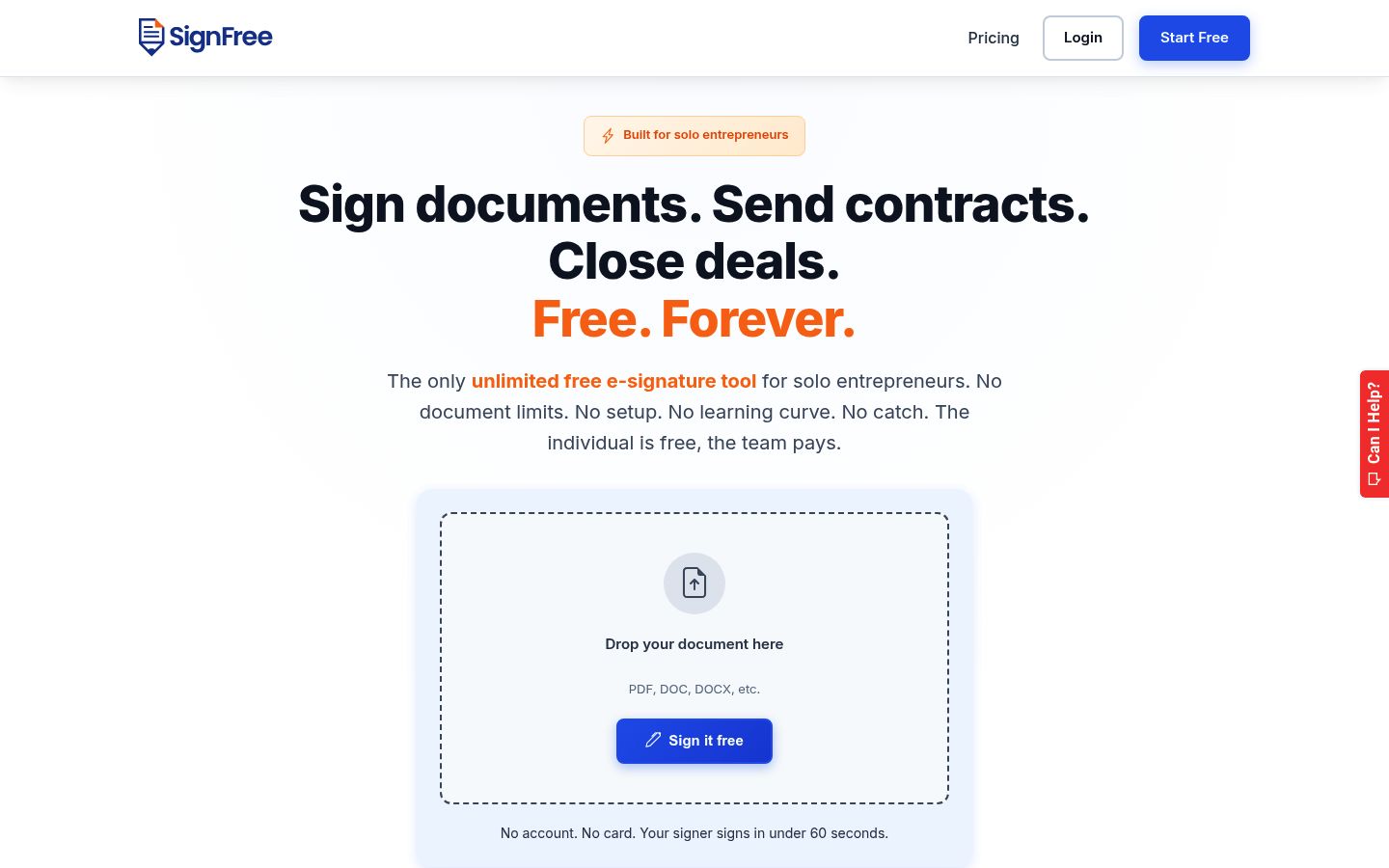
SignFree is built for solo entrepreneurs and lean teams. You upload a document, add one or several signers, send it for signature, track completion, and store the signed file with an audit trail. Your signers do not need to create accounts; they sign the PDF you prepared. The Free plan is presented as unlimited for one-person businesses, so there is no monthly envelope or document quota to track.
Where it fits: sending client agreements, NDAs, proposals and consulting contracts, signing PDFs you already prepared, and reusing templates for recurring contractor agreements. If that is your situation, the free DocuSign alternative comparison page goes deeper on the SignFree-versus-DocuSign specifics.
Where it stops: team collaboration, SMS OTP verification, white-label branding, and custom email domain are Pro features. If you need multi-user signing workflows today, a tool with stronger free team features may fit better. SignFree's own position is honest about that: it aims at one-person businesses first, and Pro is the upgrade path when you grow.
Best for: solo founders, freelancers and consultants who send contracts regularly and do not want to count documents. If you are a freelancer deciding whether to go paperless at all, the guide on free e-signature for freelancers covers that decision.
2. DocuSeal: 10 Request Emails a Month and Unlimited Templates
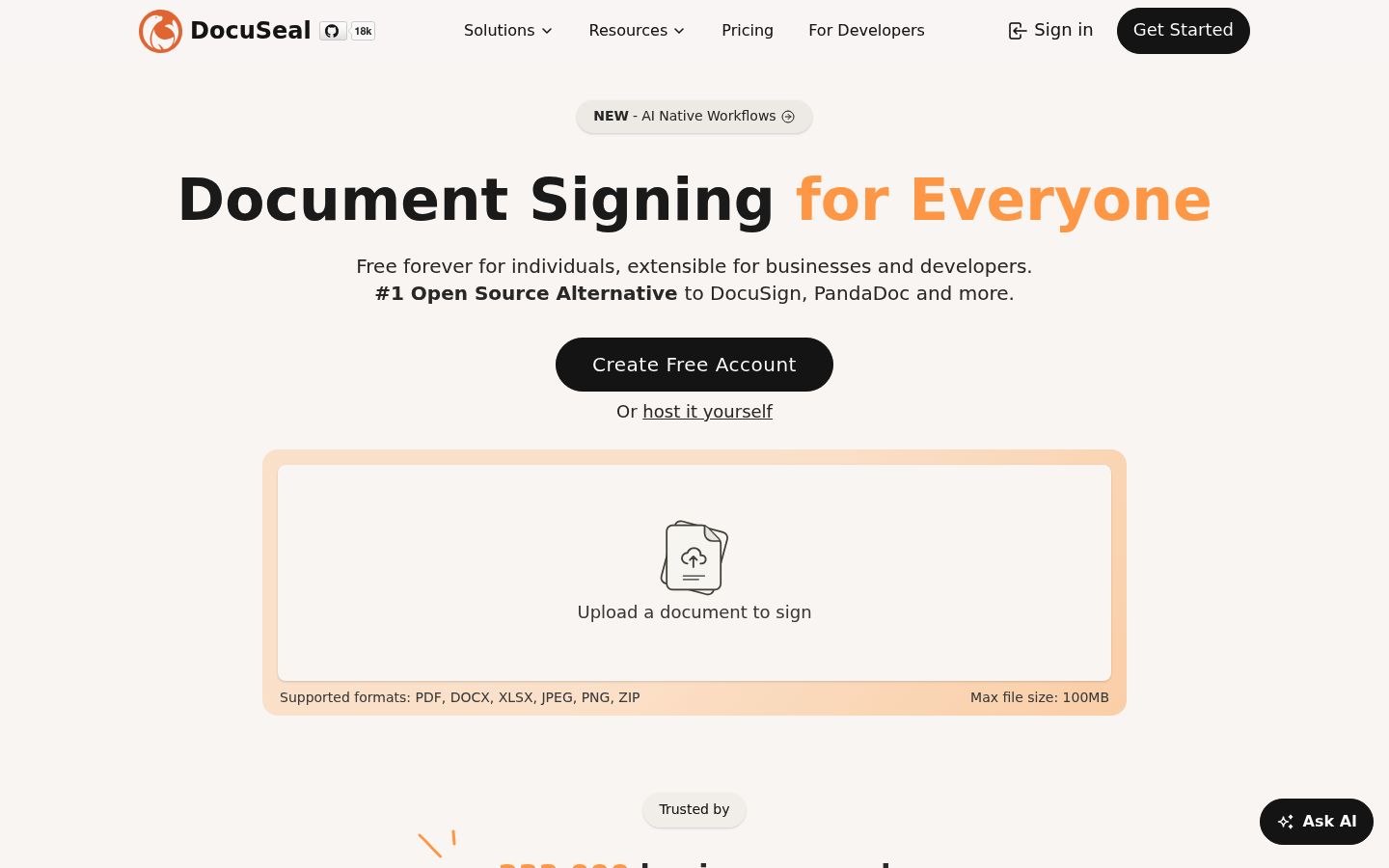
DocuSeal has one of the more generous free tiers in the category, with an important twist. On the pricing page, the free Basic plan includes 10 signature request emails per month, unlimited templates, unlimited storage, multiple signers and 10 field types. Documents you sign yourself are unlimited in both free and paid plans.
The twist: the cap is on emails, not documents. If you request signatures by sharing a signing link instead of sending an email, you work around the email count. DocuSeal is also open source, and the self-hosted version has no email cap at all, because you connect your own SMTP server.
Tradeoff: 10 emails per month is thin for a busy freelancer. If you regularly send five agreements a week, you will hit the wall by mid-month unless you self-host or upgrade to Pro at $20 per user per month.
Best for: teams and technical users who want unlimited templates, can live with 10 request emails on cloud, or can self-host the open-source version for unlimited sending.
3. OpenSign: Unlimited Documents with a Link-Sharing Workaround
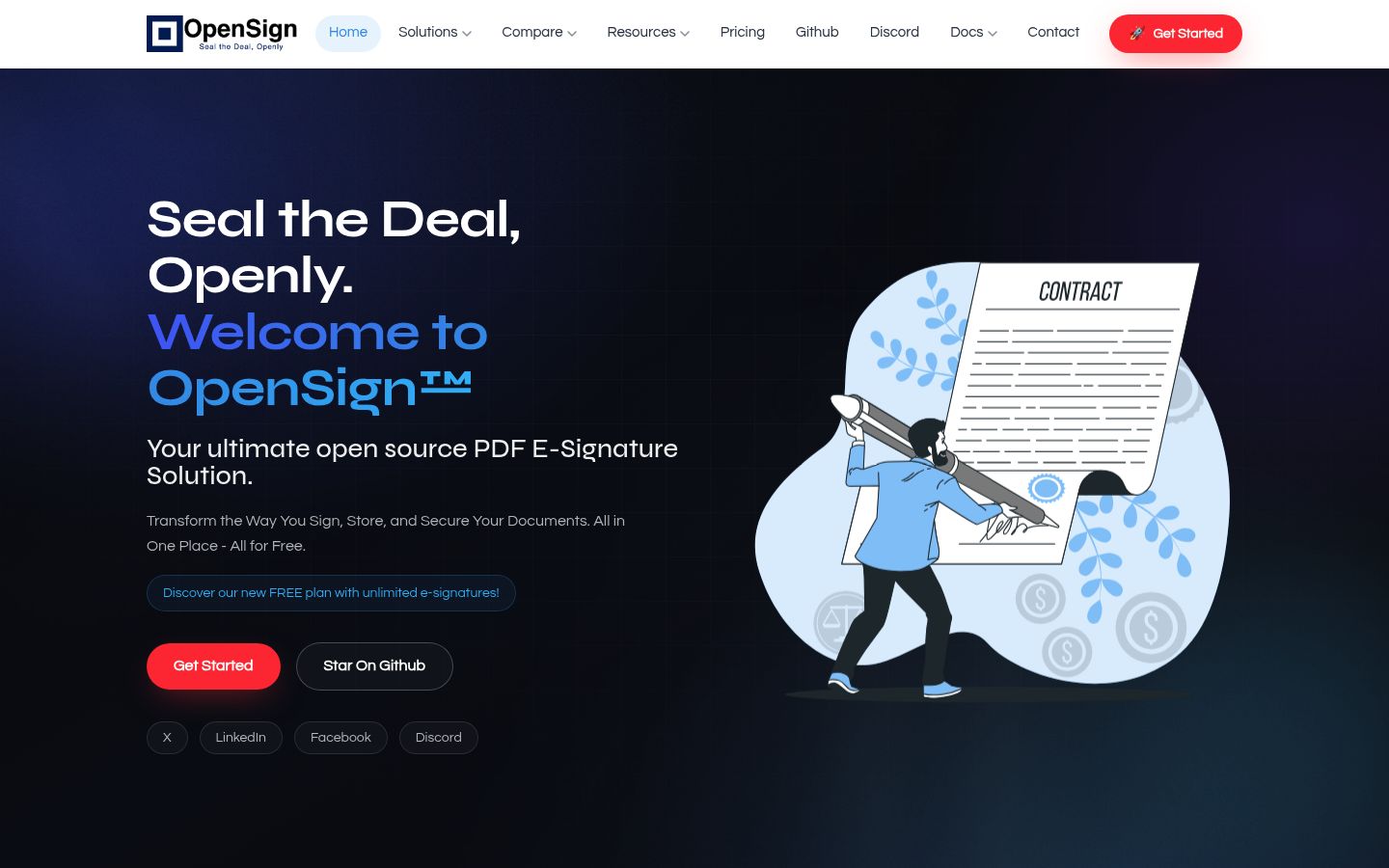
OpenSign is the other open-source option ranking high in search right now. Its cloud free tier allows unlimited document signing, and every completed document comes with a detailed completion certificate including access logs. Guest signers can verify with a one-time email code, and templates, signing sequences and an API are all supported.
The catch is how invitations are delivered. OpenSign's own free-plan guide states the cloud free plan limits you to 15 built-in invitation emails per month, and several other free-plan numbers (seat and recipient caps, template limits) are not publicly specified. The free plan also sends one document at a time; bulk sending and generated public links are paid features. The practical workaround: create the document, copy the signing link, and share it yourself through your own email. That route does not consume OpenSign's invitation quota, which is exactly what OpenSign's free plan guide recommends. Check OpenSign's current plan details before committing, because these limits have shifted during 2026.
Best for: people who want open-source credibility, a free completion certificate, and are comfortable sharing signing links manually rather than relying on built-in email invitations.
4. Documenso: 5 Documents a Month, Open Source
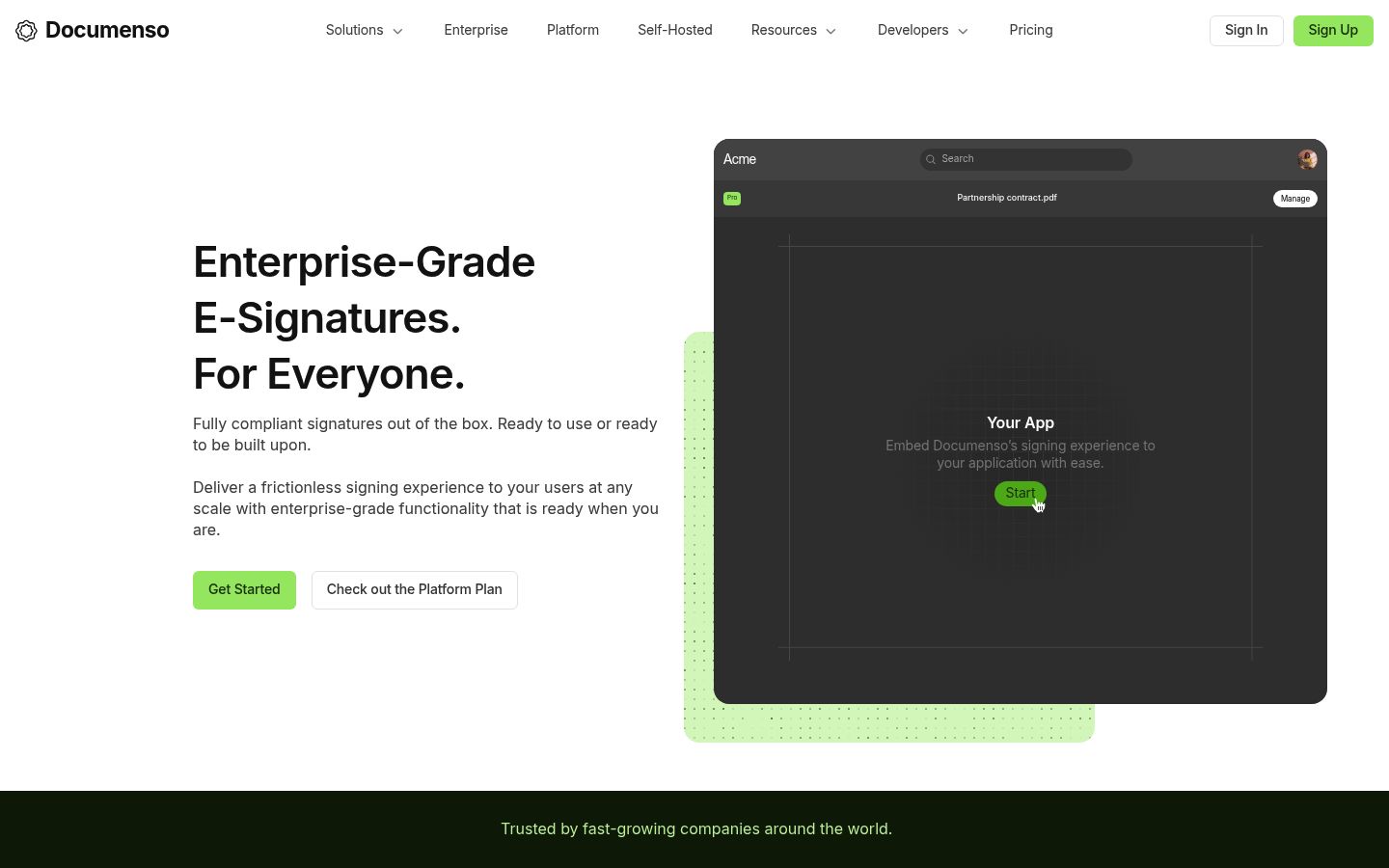
Documenso markets itself as the open-source DocuSign alternative, and its free plan is straightforward: 5 documents per month, up to 10 recipients per document, no credit card required. The pricing page and developer docs add that free accounts also get 3 direct templates and limited API access, with paid plans removing those limits.
Five documents a month is not much for an active solo business, but it is a real ongoing allowance, not a trial. And because Documenso is open source, you can self-host it for unlimited documents if you have the technical skills.
Best for: occasional senders who value open source, or developers who will eventually self-host. If you only send a few agreements a month, the free plan may be all you ever need.
5. BoldSign: 25 Envelopes a Month with an Audit Trail
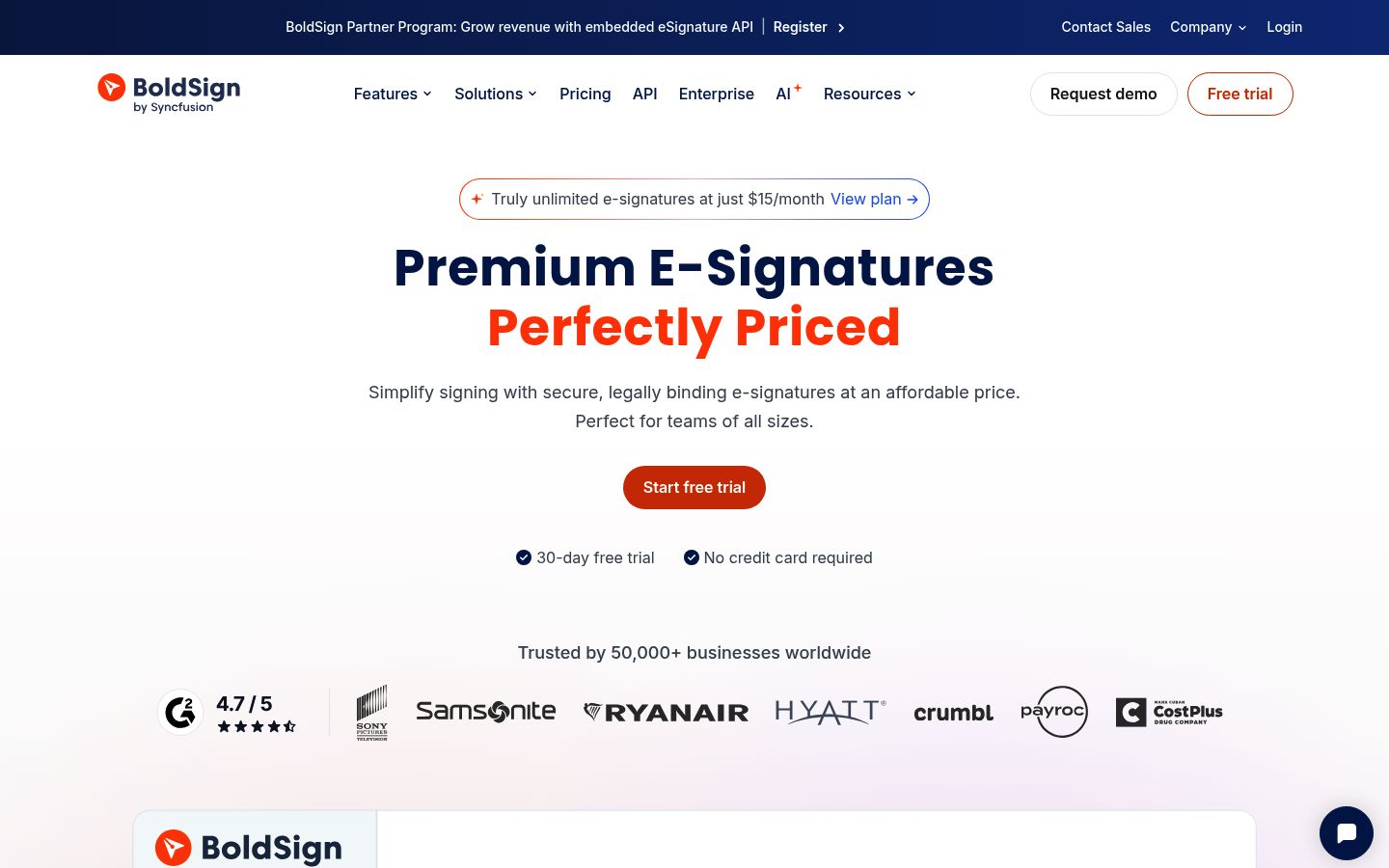
BoldSign's free Essential plan is the most generous numeric allowance among the hosted options. According to its pricing page, the free plan includes 25 envelopes per month, 2 templates, 1 sender, a full audit trail on every completed document, signer authentication, automated reminders and custom branding. No credit card is required, and self-signed documents do not count against the allowance.
Two details matter. First, signup with a personal email (Gmail, Outlook, Yahoo) limits you to 5 envelopes per month until business details are verified, so sign up with your business domain. Second, "envelope" is DocuSign's unit too, and one envelope can contain multiple documents and signers, so 25 envelopes can go further than it sounds.
Best for: solo senders who want a real monthly quota, audit trails and a clear upgrade path. The Growth plan at $5 per user per month adds 50 envelopes per user and team features.
6. Signaturely: One Free Request a Month
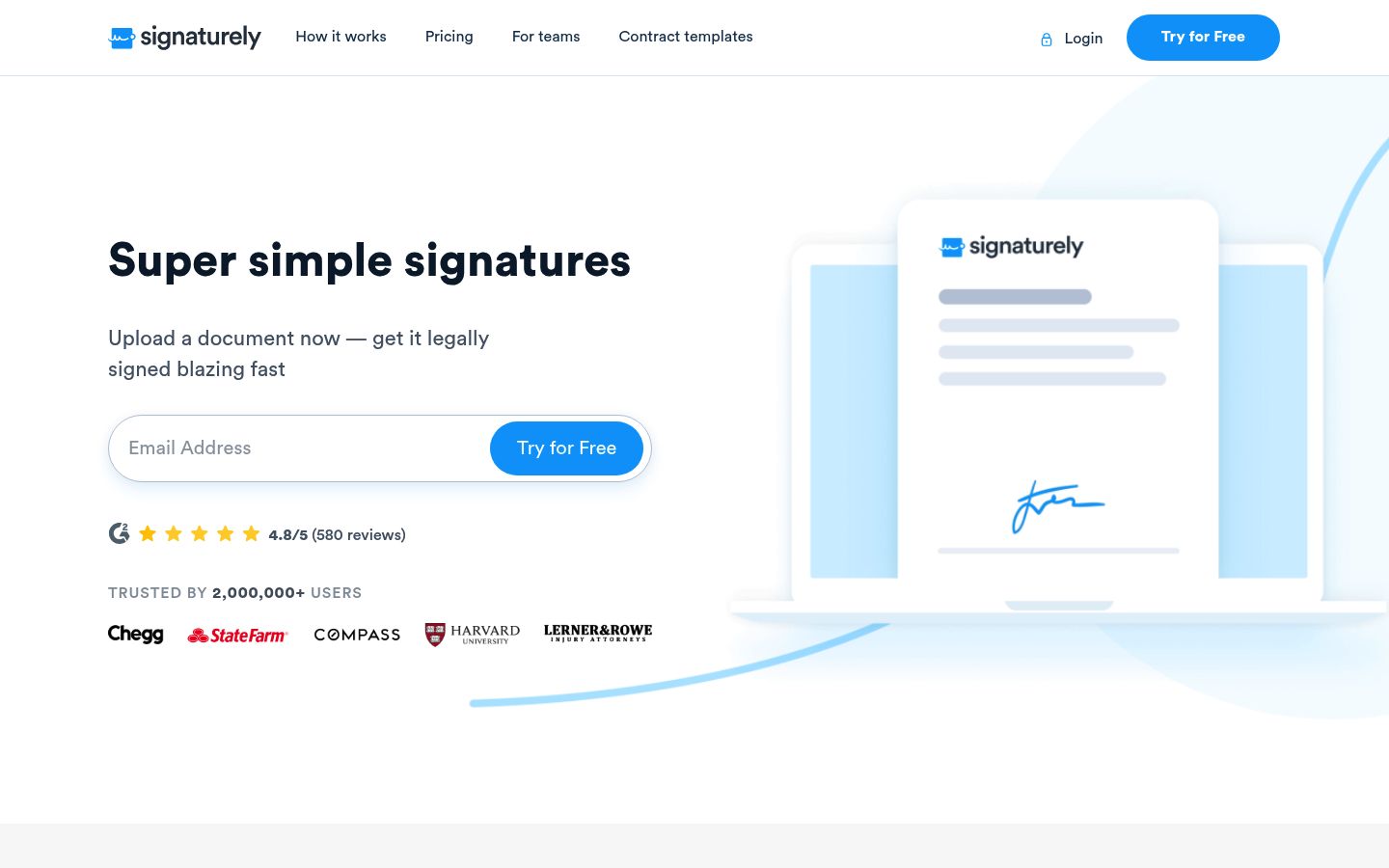
Signaturely is honest about what free means. After its free trial (which lets you send unlimited documents for a limited period), the free account allows 1 signature request per month, with audit logs and history attached to every document, and no credit card, according to its pricing FAQ. Each request can go to multiple signers, so the free cap limits how often you send, not how many people sign one document. Paid plans are $25 per month for Personal (5 requests, 1 template) and $50 per user per month for Business (unlimited requests and templates, team management).
One request a month is barely a workflow. Its value is as a free fallback: sign up, get your rare document signed legally with an audit log, and pay nothing.
Best for: very occasional senders only. If you send even two documents a month, SignFree, BoldSign or DocuSeal serve you better.
7. Xodo Sign (Formerly eversign): One Document a Week
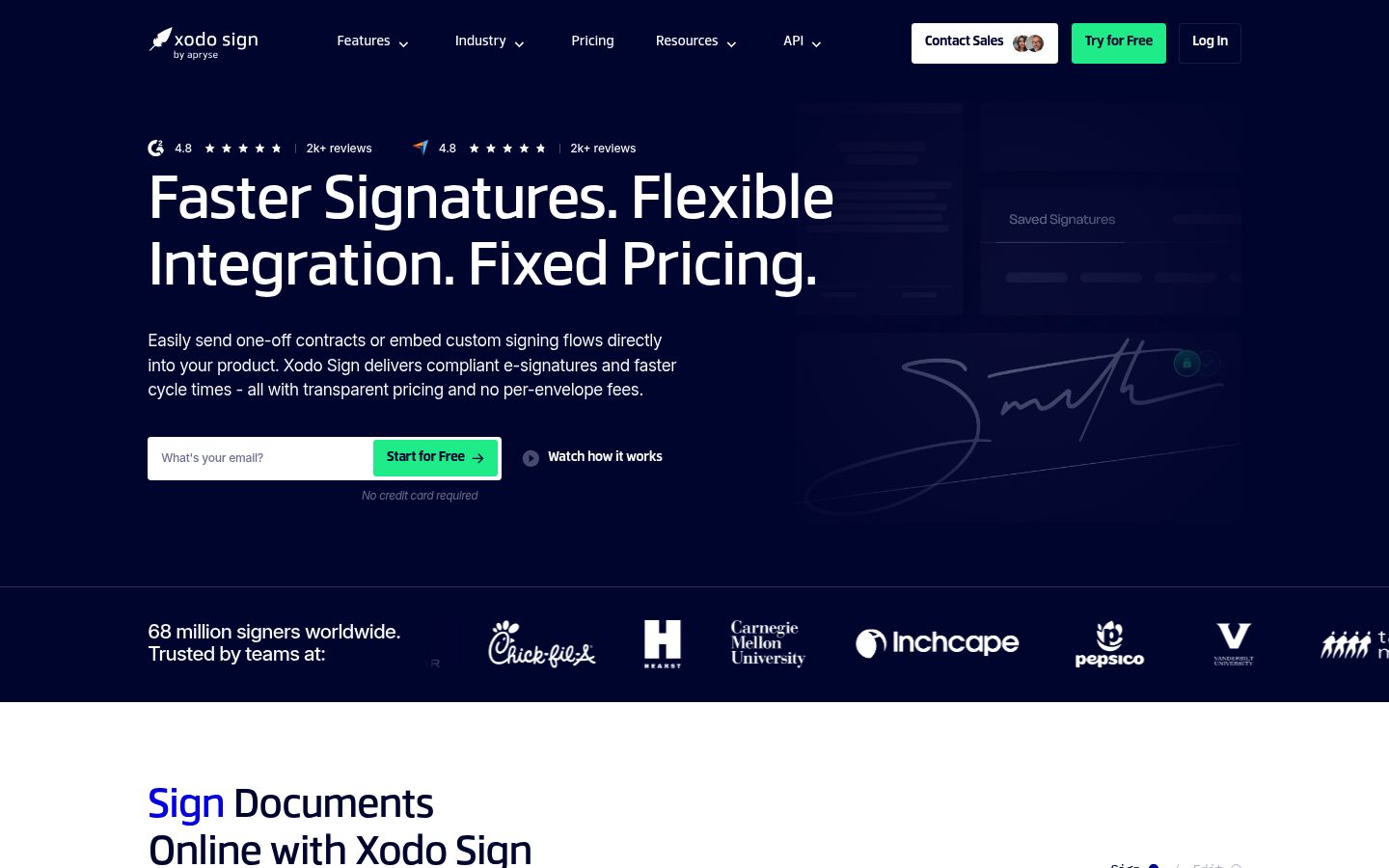
Xodo Sign, the new name for eversign, cut its free plan in September 2026. Its pricing page now describes the Free plan as up to 5 documents per month, delivered as 1 document every 7 days. That change also tightened who can sign: the free plan now allows 1 signer per document and no templates. Paid plans start at $10 per user per month (billed yearly) for unlimited documents and 3 templates.
The weekly drip makes this the tightest free plan on the list. It still includes a full audit trail and no credit card requirement, and the 7-day Professional trial is generous if you have a batch of documents to send once.
Best for: someone who genuinely sends one single-signer agreement a week or less, or who wants a one-time burst during a trial. Not viable as a regular free sending tool.
When a Competitor Fits Better Than SignFree
Honesty requires saying where SignFree is not the answer:
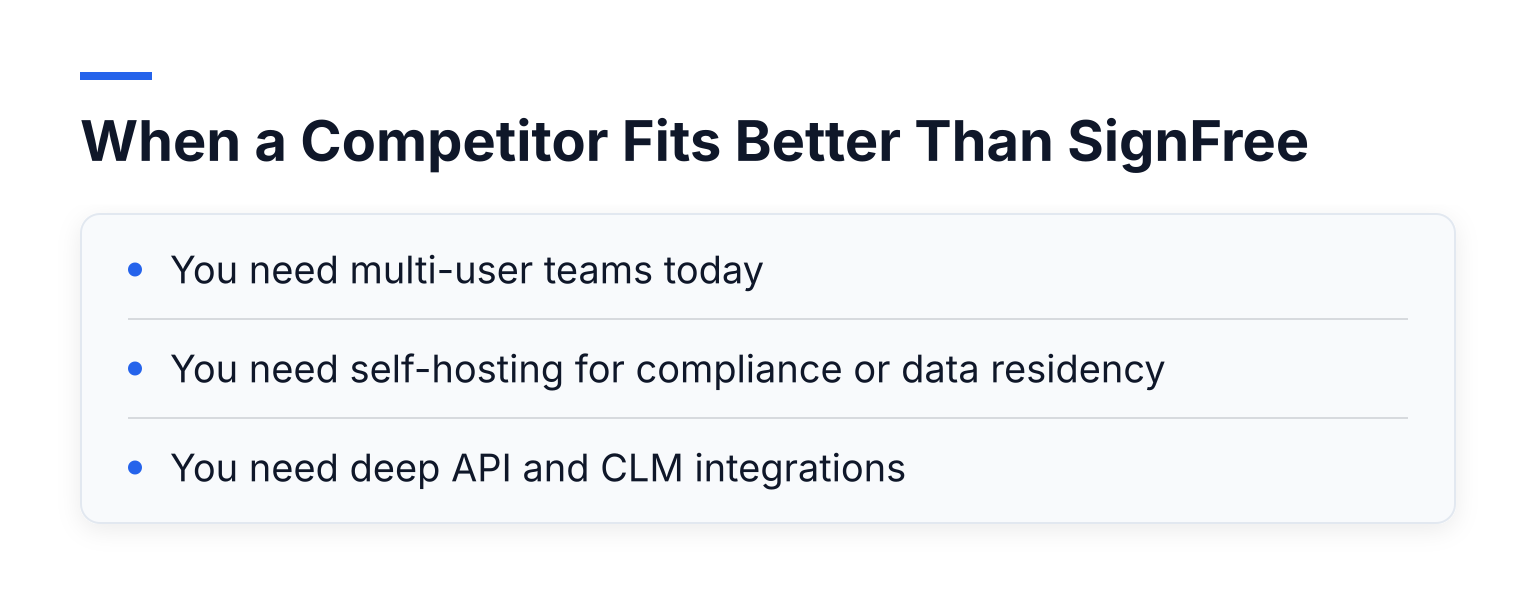
- You need multi-user teams today. SignFree's team collaboration lives in Pro. If your whole team must send from day one on a free plan, DocuSeal's free plan includes user management, and OpenSign supports multi-user teams.
- You need self-hosting for compliance or data residency. SignFree is a hosted service. DocuSeal, OpenSign and Documenso are open source and can run on your own servers, keeping documents inside your network. OpenSign's self-hosting documentation explains the data-residency case in detail.
- You need deep API and CLM integrations. If your workflow is contract lifecycle management with CRM automation and custom API volume, enterprise-oriented platforms fit better than any free-first tool. The overview of DocuSign alternatives, free and paid covers that broader landscape.
For everyone else, meaning one person sending agreements, NDAs and proposals, an unlimited free plan with audit trails is hard to beat on price.
Cheaper Paid Alternatives, Briefly
If none of the free plans above fits, two paid options come up often in DocuSign comparisons. PandaDoc bundles document creation and e-signature and starts with a free e-sign plan plus paid tiers. Dropbox Sign (formerly HelloSign) has a simple interface with small paid tiers. Both are cheaper than DocuSign's Business plans at low volumes, but neither is free to keep sending, so they only matter once you have ruled out the free options above.
Common Questions
Is there a truly free DocuSign alternative?
Yes. SignFree offers unlimited free signing for one-person businesses, and DocuSeal, OpenSign, Documenso, BoldSign and Xodo Sign all have ongoing free plans with real (if limited) monthly allowances. What does not exist is a free version of DocuSign for sending: its free account only signs and stores.
Are free e-signatures legally binding?
In the United States, the ESIGN Act and UETA give electronic signatures the same legal standing as handwritten ones, provided intent to sign and consent are recorded. The EU's eIDAS regulation does the same in Europe, with different signature levels for different assurance needs. Audit trails, timestamps and signer verification are what make a free signature defensible, so pick a free plan that includes them. Our page on e-signature compliance and signature levels explains what evidence each signature level leaves behind.
Which free plan should a freelancer pick?
Match the plan to your volume. Sending more than about 10 documents a month: SignFree or BoldSign. Sending a handful and wanting open-source tools: DocuSeal or Documenso. Sending almost nothing: Signaturely or Xodo Sign. If you want to test the flow immediately, grab a free freelancer NDA template, fill in your terms, and send it for signature in minutes. For the full list of competitors beyond this shortlist, the SignFree alternatives hub compares around 17 options.
Start Sending Free Today
You do not need to count envelopes to run a solo business. Create a free SignFree account or start signing free, upload your first document, add a signer, and get it back signed with an audit trail attached. If your needs change as you grow, Pro adds team collaboration, SMS OTP, custom email domain, and white-label branding when you actually need them.