
9 Best Free Online Signature Makers in 2026 (Compared)
Best Free Online Signature Makers in 2026 (Compared)
Summary of the Article
A free online signature maker gives you a signature image you can paste into PDFs, Word files, and emails. That image is not the same as a legally signed document: legal weight comes from the signing process, not the picture. Pick a tool based on which job you actually have.
- SignFree: signature creation is built into a free signing flow, and its free plan is unlimited for one-person businesses, with audit trails on signed documents.
- SignWell: free signature generator plus real document signing, capped at 3 documents a month on the free plan.
- Signaturely: draw or type a signature free, but the free plan only covers 1 signed document a month.
- DocuSign signature generator: free image maker with no account needed, but signing full documents means paid plans.
- CreateMySignature: draw, type, or generate a signature free, plus free self-signing of PDFs without an audit trail.
- Canva: draw or type a signature inside a design tool; good styles, but it flags that its signatures may not be legally binding.
- Smallpdf: sign PDFs free with draw, type, or upload; free use is limited to a couple of tasks per day.
- Xodo Sign (eversign): free generator with typed and drawn options, and a full signing platform behind it.
- Dropbox Sign: three input modes (draw, type, photo) and a free plan limited to 3 signature requests a month.
First, what you are actually choosing between
Almost every "signature maker" search result offers the same two things:
- A signature image. You draw, type, or upload a signature and download it as a PNG or JPG. You paste it into a document yourself.
- A signing service. You upload a document, add signers, and the tool records who signed what and when.
Many tools offer both. The trap is assuming the image alone does the second job.
The key distinction most articles bury: an image is not a signed document
A PNG of your signature is just a picture. Anyone can copy it, resize it, and paste it onto anything. Nothing records who placed it, when, or whether the document changed afterward.
What gives an electronic signature legal weight is the process around it. Vendors across this space say the same thing: you need the signer's intent, consent to sign electronically, and a record of the signing act. Smallpdf's own guide lists ESIGN in the US and eIDAS in the EU as the laws behind this, and points out that the process must record who signed what and when (Smallpdf's signature generator guide). SignWell says it plainly too: a generated signature image can help with identification and intent, but signing a real document is a different workflow (SignWell's FAQ).
A quick rule: if you need to prove to a counterparty that someone agreed, use a signing service with an audit trail. If you just need your mark on an invoice, proposal, or email, the image is fine. We cover the compliance side more on our e-signature signature levels page.
This is not legal advice. For high-stakes contracts, check the rules that apply to you.
How to compare signature makers: the criteria used here
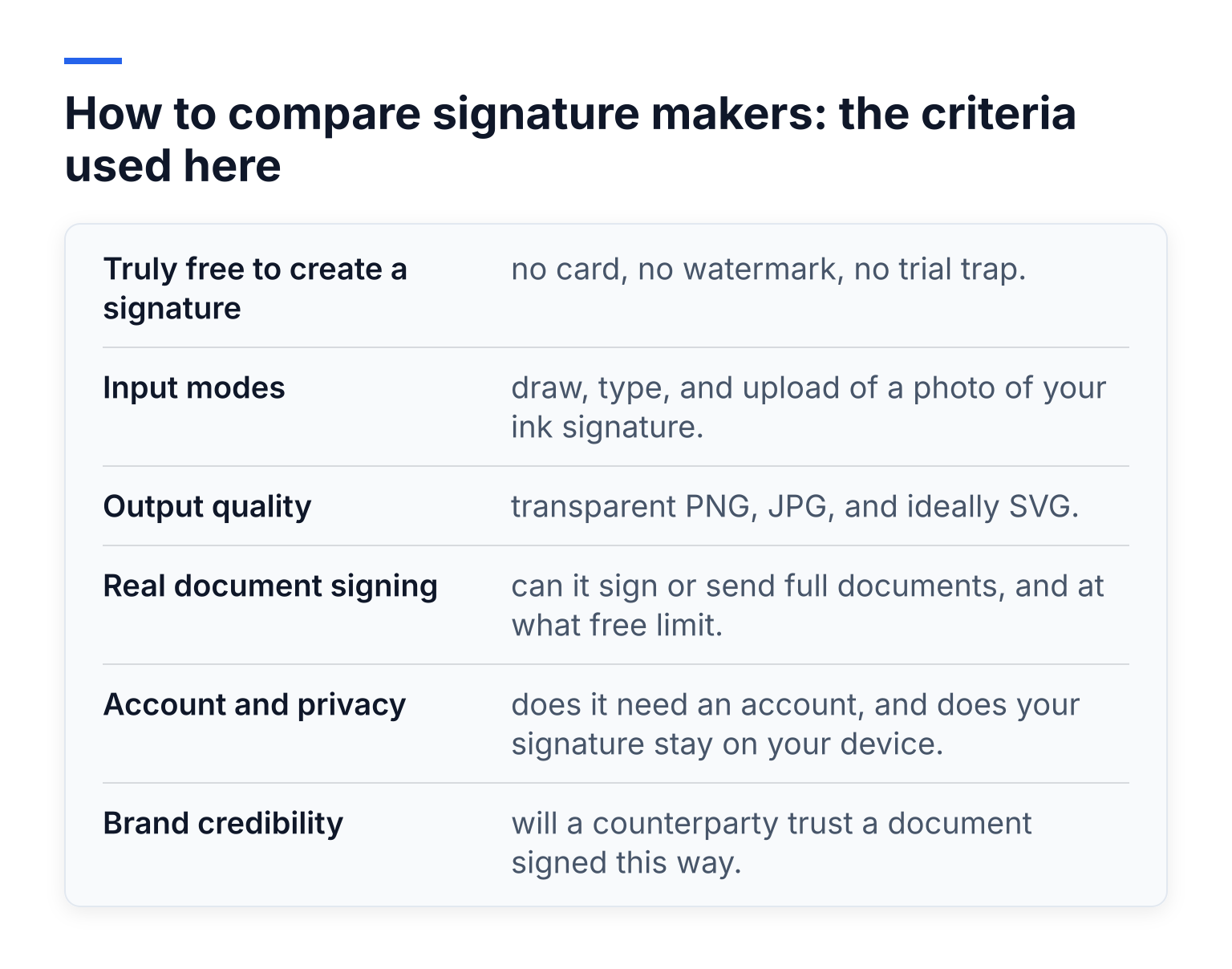
- Truly free to create a signature: no card, no watermark, no trial trap.
- Input modes: draw, type, and upload of a photo of your ink signature.
- Output quality: transparent PNG, JPG, and ideally SVG.
- Real document signing: can it sign or send full documents, and at what free limit.
- Account and privacy: does it need an account, and does your signature stay on your device.
- Brand credibility: will a counterparty trust a document signed this way.
The tools compared
1. SignFree: signature creation plus unlimited free document signing for solos
SignFree is an e-signature platform built for solo entrepreneurs and lean teams. Signature creation is part of its free signing flow, so you make your signature where you will actually use it, then go straight to a signed document.
With SignFree you upload a document, add signers, send it for signature, track completion, and store signed documents with audit trails. Signers do not need to create accounts. The Free plan is presented as unlimited for one-person businesses, which matters if you sign client agreements, NDAs, proposals, or contractor agreements every month. Pro adds team collaboration, SMS OTP, and white-label branding.
Tradeoff: SignFree is a signing platform, not a decorative font playground. If you want a fancy typed signature with dozens of fonts for a portfolio or email footer, a dedicated image generator gives you more style options.
Best for: solos who want one free tool for both the signature and the signed document.
2. SignWell: free generator with 3 signed documents a month
SignWell's online signature maker lets you draw on a touchpad or phone or type your name in handwriting fonts, then download a PNG or JPG. According to SignWell, the tool runs in your browser and nothing about your signature is kept on their servers.
SignWell also signs real documents. Its pricing page shows the Free plan includes 3 documents per month with an audit trail, no credit card (SignWell pricing). Past that, paid plans unlock unlimited signing.
Tradeoff: 3 documents a month is fine for occasional use and runs out fast for active freelancers.
Best for: light, occasional signing with a real audit trail at zero cost.
3. Signaturely: free signature generator, but only 1 free signed document a month
Signaturely's generator offers draw and type modes with font and color options. Signaturely says signatures made on the page are not saved on its servers.
For actual document signing, Signaturely's help center says the free plan allows 1 signature request per month after a 7-day trial, and its pricing page lists the Personal plan at $25 per month for 5 requests (Signaturely pricing).
Tradeoff: the generator is free forever, but document signing gets expensive quickly if you sign more than a document or two a month.
Best for: testing the platform free, or signing one document a month.
4. DocuSign signature generator: the no-account image maker
DocuSign's signature generator is free, needs no signup, and runs client-side, so DocuSign says nothing is stored unless you save it in an account. You draw or type, choose styles and colors, and download PNG or JPG with no watermark.
DocuSign's own FAQ is honest about the limit: signatures made here are "ideal for personal use and document signing visuals," while legally binding e-signatures with audit trails belong to its paid e-signature plans.
Tradeoff: it is an image tool only. Signing real documents means moving to DocuSign's paid products.
Best for: a quick, credible image from a brand every counterparty recognizes.
5. CreateMySignature: free signature plus free self-signing of PDFs
CreateMySignature offers draw, type, and AI-generated signatures, downloads as a transparent PNG, and needs no account. Its FAQ says nothing is stored on its servers.
Unusually, it also signs PDFs free: upload a PDF, drag your signature onto it, and download. CreateMySignature itself is upfront that this only inserts an image, and it points readers to PandaDoc for legally binding signing with certificates and audit trails.
Tradeoff: great for image-only and self-signing jobs, but it is not a document-sending service.
Best for: image-only readers and one-off self-signed PDFs.
6. Canva: the style-focused signature generator
Canva's signature generator lets you draw with a finger, stylus, or mouse, or type your name in Canva's font library. You can download JPG, PNG, PDF, or SVG, and adjust size and spacing. Canva can also place a signature on uploaded PDFs and documents inside its editor.
Canva's own disclaimer is worth reading: signatures created on the platform "may not be legally binding," and it is the user's responsibility to check. Background-free downloads require Canva Pro.
Tradeoff: the best styling options here, especially if you want a "cool signature generator" for decks, invoices, and branded docs, but weak on legal signing.
Best for: design-first users who want a signature that matches their brand.
7. Smallpdf: sign PDFs free with privacy-first handling
Smallpdf's sign PDF tool converts your file (PDF, Word, PowerPoint, or images) to PDF, then lets you draw, type, or upload a signature and download the signed file. No account is needed for basic use, and Smallpdf says uploaded files are TLS-encrypted and deleted after about an hour unless you save them.
Tradeoff: free use is limited to a small number of tasks per day, and stored reusable signatures need a Pro account.
Best for: occasional PDF signing with minimal data retention.
8. Xodo Sign (eversign): a free generator backed by a full platform
Xodo Sign's signature generator is free with no account creation. You type with custom fonts or draw with adjustable stroke weight and brush or pen tools, preview the result, and download PNG or JPG. Its tips are good practice for any tool: slow down when drawing, preview before downloading, and never treat the image as a tracked signing record.
The full Xodo Sign platform (formerly eversign) handles sending documents for e-signature with timestamped audit trails on paid plans.
Tradeoff: the generator is image-only; getting the platform's signing and tracking features means moving into its paid plans.
Best for: people who want a clean generator today and a platform option later.
9. Dropbox Sign: three input modes, 3 free signature requests a month
Dropbox Sign's signature maker stands out by offering a photo option alongside draw and type: snapshot your ink signature on your phone and upload it. Typed signatures use what Dropbox calls authentic handwritten fonts.
Dropbox Sign's FAQ says the free package includes up to 3 documents shared for signature each month. Its help center adds that free-plan users can save up to 5 signatures at a time (Dropbox help).
Tradeoff: a solid all-rounder, but the free tier is capped like most competitors.
Best for: people already in the Dropbox ecosystem who want a photo-accurate signature.
At-a-glance comparison
| Tool | Draw | Type | Upload | Account for signature? | Free document signing |
|---|---|---|---|---|---|
| SignFree | In signing flow | In signing flow | In signing flow | Account for signing | Unlimited for one-person businesses, with audit trails |
| SignWell | Yes | Yes | Via platform | No for generator | 3 documents/month |
| Signaturely | Yes | Yes | Via platform | No for generator | 1 document/month after trial |
| DocuSign generator | Yes | Yes | No | No | None (paid only) |
| CreateMySignature | Yes | Yes | No | No | Free self-signing of PDFs, no audit trail |
| Canva | Yes | Yes | Yes | No | Signs inside Canva; legal binding not guaranteed |
| Smallpdf | Yes | Yes | Yes | No | Limited free tasks per day |
| Xodo Sign | Yes | Yes | Via platform | No for generator | Platform is paid |
| Dropbox Sign | Yes | Yes | Yes | No for maker | 3 signature requests/month |
Which pick fits your situation
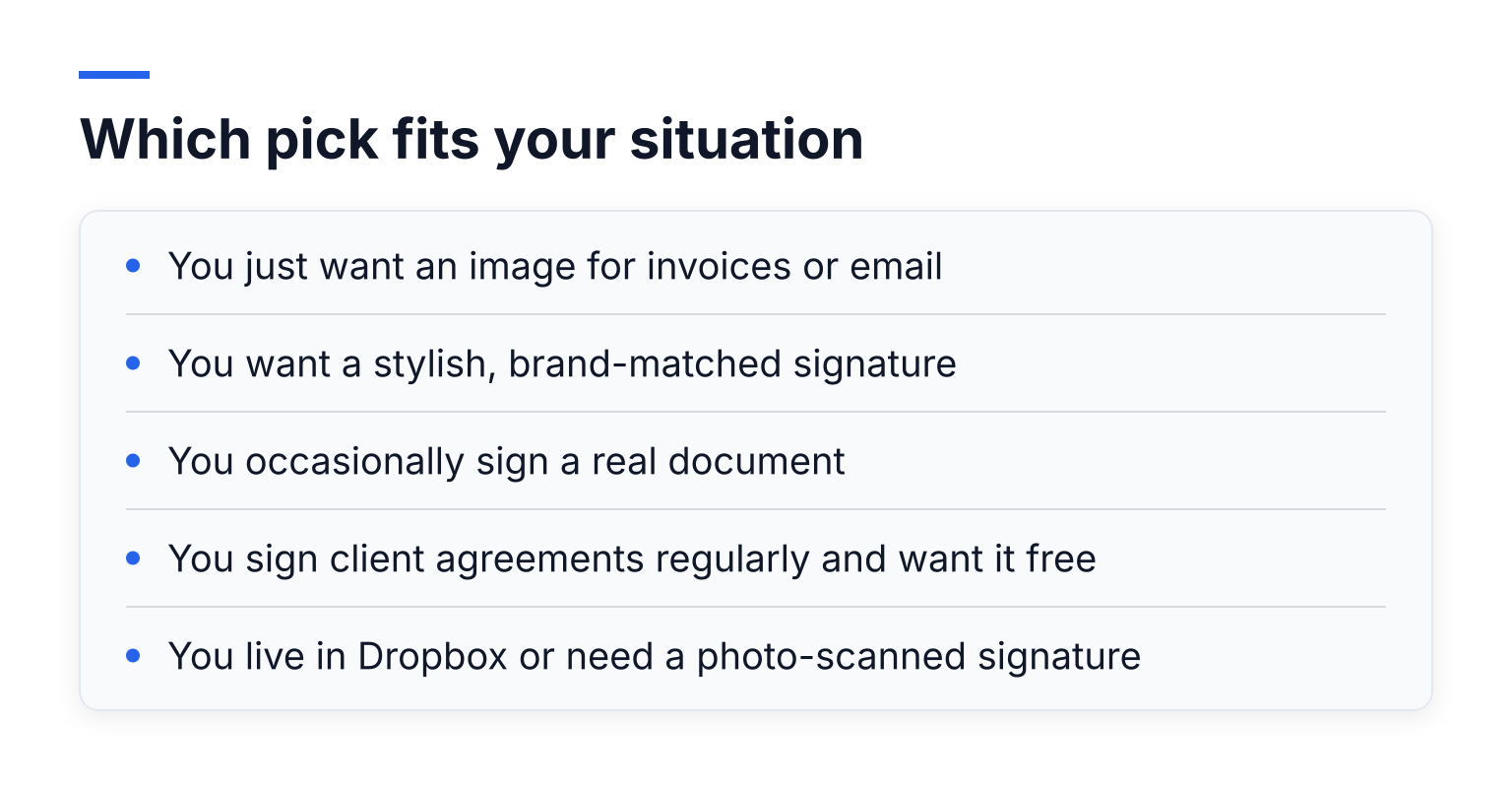
- You just want an image for invoices or email: DocuSign's generator or CreateMySignature, no account needed.
- You want a stylish, brand-matched signature: Canva.
- You occasionally sign a real document: SignWell's 3 free documents a month.
- You sign client agreements regularly and want it free: SignFree, whose free plan is unlimited for solos and includes audit trails.
- You live in Dropbox or need a photo-scanned signature: Dropbox Sign.
From signature image to a signed document, free
Once you have your signature image, turning it into a signed document takes one short session:
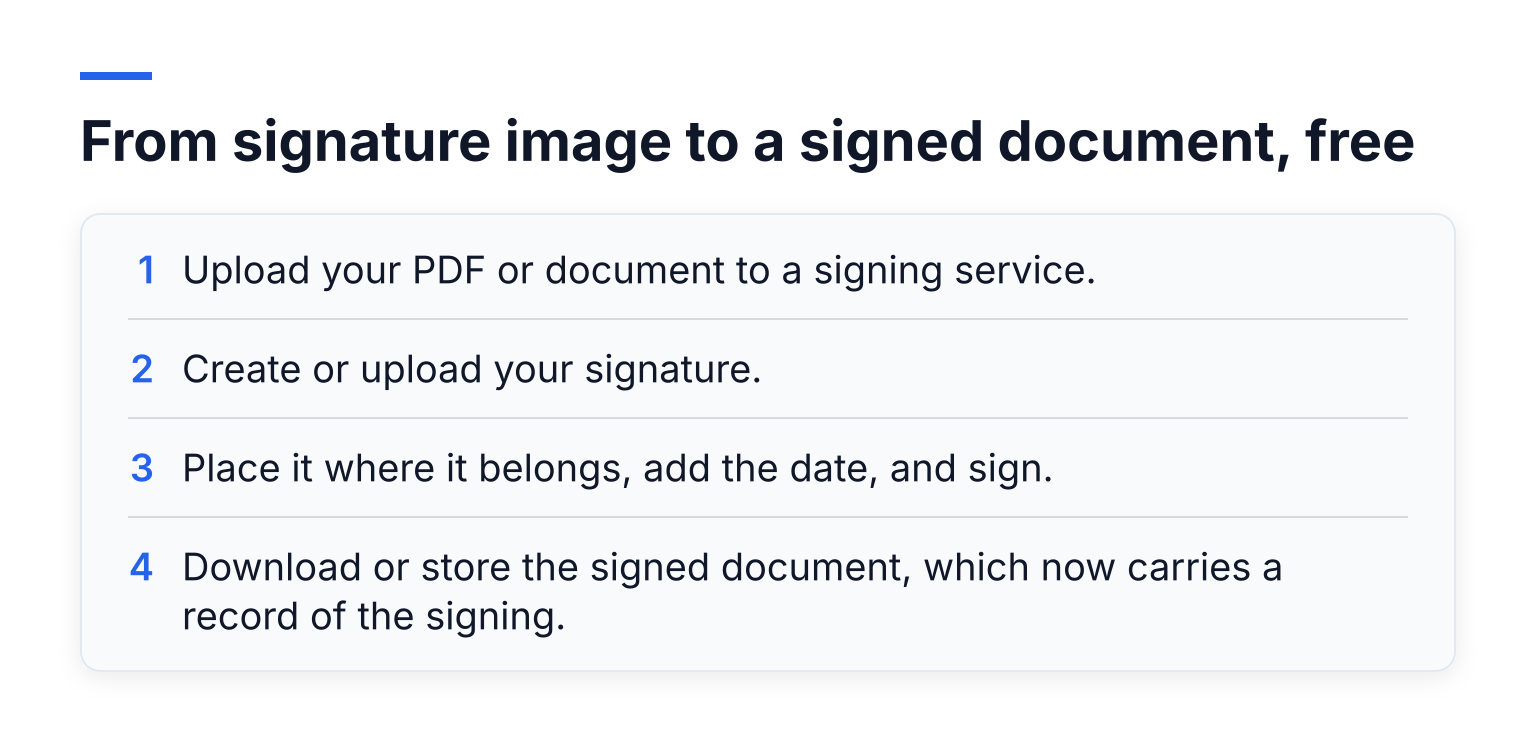
- Upload your PDF or document to a signing service.
- Create or upload your signature.
- Place it where it belongs, add the date, and sign.
- Download or store the signed document, which now carries a record of the signing.
If the document goes to someone else, the service emails them a signing link, and you track completion from your dashboard. Our help guide to signing a document yourself walks through this in SignFree, and how solo entrepreneurs adopt e-signatures covers the wider workflow. If you want to compare more full platforms, see our best free DocuSign alternatives and our general free e-signature overview.
What an audit trail adds
When a counterparty checks whether an agreement is real, they look for evidence: who signed, from where, when, and whether the document changed after signing. An audit trail records these details alongside the document. A pasted PNG records none of it. That is the single biggest practical difference between the two tiers of tools above, and it is why "free" matters most in tools that include the trail rather than charge for it.
Common questions
Is a signature image legally binding? On its own, no. Laws like ESIGN and eIDAS recognize electronic signatures when the process shows intent, consent, and a record of signing. The image is only the visual part.
Does a signature maker keep my signature? Most do not. SignWell, Signaturely, DocuSign, and CreateMySignature all state their generators run in the browser without saving your signature image to their servers.
Can I use the image in PDF and Word? Yes. Use a transparent PNG for PDFs so no white box shows; JPG works in email and tools that struggle with transparency.
Which format should I download? Transparent PNG as your default. Keep an SVG if a tool offers it, since it scales without blurring.
Do I need to sign with my full name? No. Vendors including CreateMySignature and Xodo Sign note initials and stylized marks are fine; what counts legally is intent, not the shape of the mark.
Can someone steal my signature image? It is a reusable picture of your mark, so treat it like a password-adjacent file. Keep it in a private folder and do not circulate the standalone file.
If your real job is not making a picture but signing actual documents, start signing free with SignFree: create a free account and send your first document for signature today, unlimited on the Free plan for one-person businesses.