

DocuSeal Review (2026): Is It the Right DocuSign Alternative?
Summary of the Article
DocuSeal is a legitimate, cheaper DocuSign replacement if you want control over your data or can live with a 10-emails-per-month free cloud limit. It is open source, easy to deploy with Docker, and has a clean PDF form builder. The catch: the free self-hosted route puts updates, backups, and email setup on you, most team and automation features sit behind the $20/user/month Pro plan, and API signing is metered at $0.20 per completed document.
Our verdict, based on DocuSeal's official docs and pricing pages plus public reviews (we did not test the product hands-on):
- DocuSeal self-hosted (free): best if you are comfortable running a server and want full data ownership. You carry the maintenance.
- DocuSeal cloud Basic ($0): fine for light use, but capped at 10 signature request emails per month.
- DocuSeal Pro ($20/user/month): needed for unlimited sending, branding, reminders, teams, and API access. API use adds $0.20 per signed document.
- SignFree (hosted, free): the simpler pick for a one-person business that wants unlimited free signing with no servers to maintain.
The Verdict Up Front
DocuSeal is a good DocuSign replacement if one of two things is true: you either want to self-host and control your own data, or you sign so few documents a month that the free cloud plan's 10-email limit doesn't bother you. It is a poor fit if you are a non-technical solo operator who wants to click a button, send a contract, and never think about servers, SMTP settings, or backups.
That second group is who this review is mainly for. If that's you, the short answer is: consider DocuSeal's free cloud tier for occasional signing, and look at a hosted free tool like SignFree if you sign regularly and don't want limits or infrastructure.
What Is DocuSeal?
DocuSeal is an open-source e-signature platform. You upload a PDF, drag signature, date, and text fields onto it, and send it to one or more signers by email. Signers open a link in their browser and sign without creating an account. Once everyone has signed, DocuSeal seals the completed PDF and keeps an audit log of the submission.
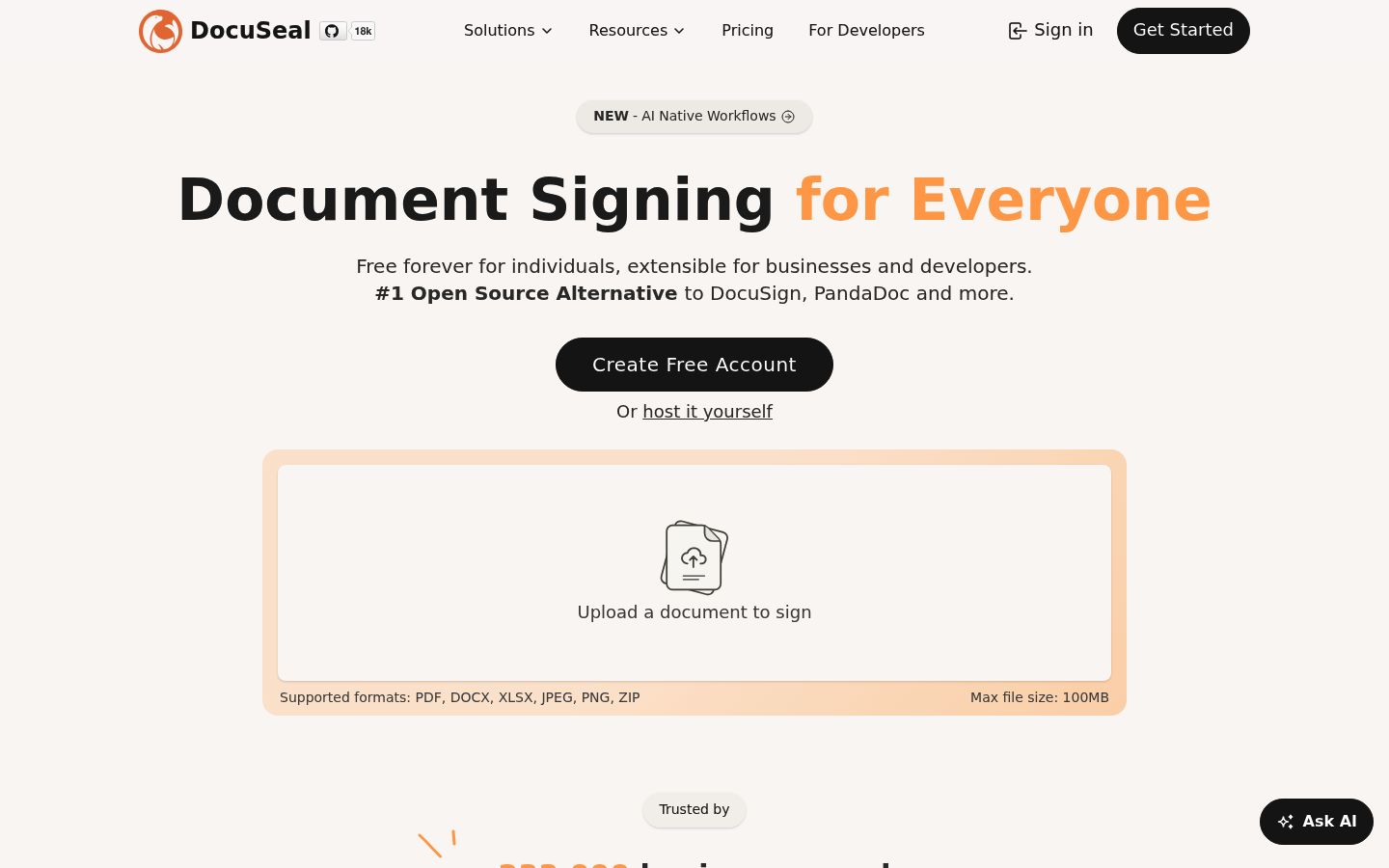
The code lives on GitHub under the AGPL-3.0 license, with one extra term: any version you run must keep the original DocuSeal attribution visible in the interface. That matters if you were picturing removing their branding from a free install. Branding removal is a paid Pro feature.
Three Ways to Run DocuSeal
DocuSeal gives you three deployment models, and the right one depends almost entirely on how much IT work you want to own:
| Self-hosted open source | Cloud Basic | Cloud or on-prem Pro | |
|---|---|---|---|
| Price | Free | $0/user/month | $20/user/month (cloud, $200/user/year annually); $240/user/year on-prem |
| Who runs it | You | DocuSeal | DocuSeal (cloud) or you (on-prem) |
| Sending limit | Unlimited emails | 10 request emails/month | Unlimited |
| Your logo, reminders, teams, roles | No | No | Yes |
| API and embedding | Basic (free) in OSS | No | $0.20 per completed document |
| Signing certificate | Self-signed | Trusted | Trusted |
| Support | GitHub only | Account manager |
Figures come from DocuSeal's pricing page and on-premises page, checked for this review.
Self-hosting is genuinely easy to start. The official image runs with a single Docker command, and a Docker Compose file handles HTTPS through Caddy. Easy to start is not the same as easy to live with, though, and that is where the honest tradeoffs begin.
What DocuSeal Gets Right
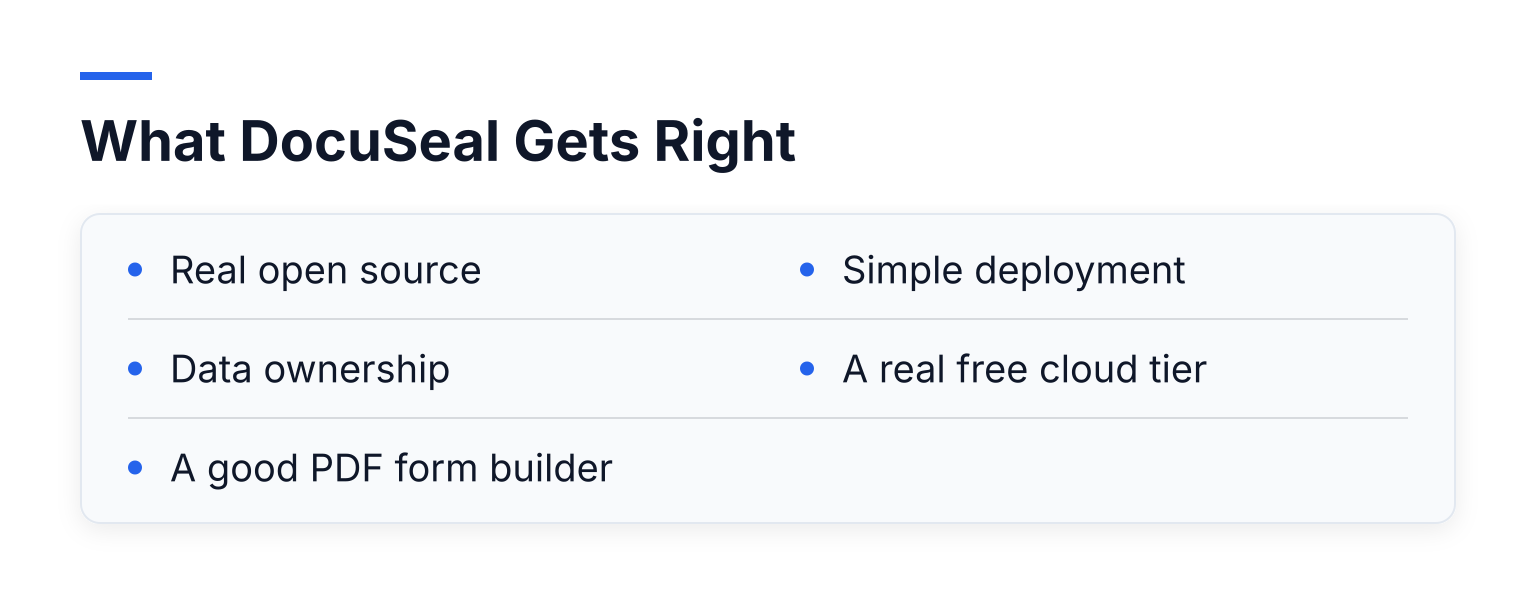
- Real open source. The full core application is AGPL-3.0, not a crippled demo. You can inspect it, modify it, and run it anywhere.
- Data ownership. Self-hosted, your signed documents and audit logs never leave your server. Storage works with local disk, S3, Google Cloud Storage, or Azure.
- A good PDF form builder. You place fields visually on the document. Signers just click a link and sign; no account needed on their end.
- Simple deployment. One Docker command gets a working instance. Compare that to integrating an enterprise CLM platform.
- A real free cloud tier. Cloud Basic costs $0, includes legally-binding signing, audit logs, and unlimited storage and templates. The limit is sending: 10 request emails per month.
Comparison sites round up DocuSign alternatives regularly, and open-source tools like DocuSeal are now a recognized category in those lists. Tecalis's overview of free and paid DocuSign alternatives is one example. That matches what the codebase and docs actually show.
Where DocuSeal Falls Short for Non-Technical Solos
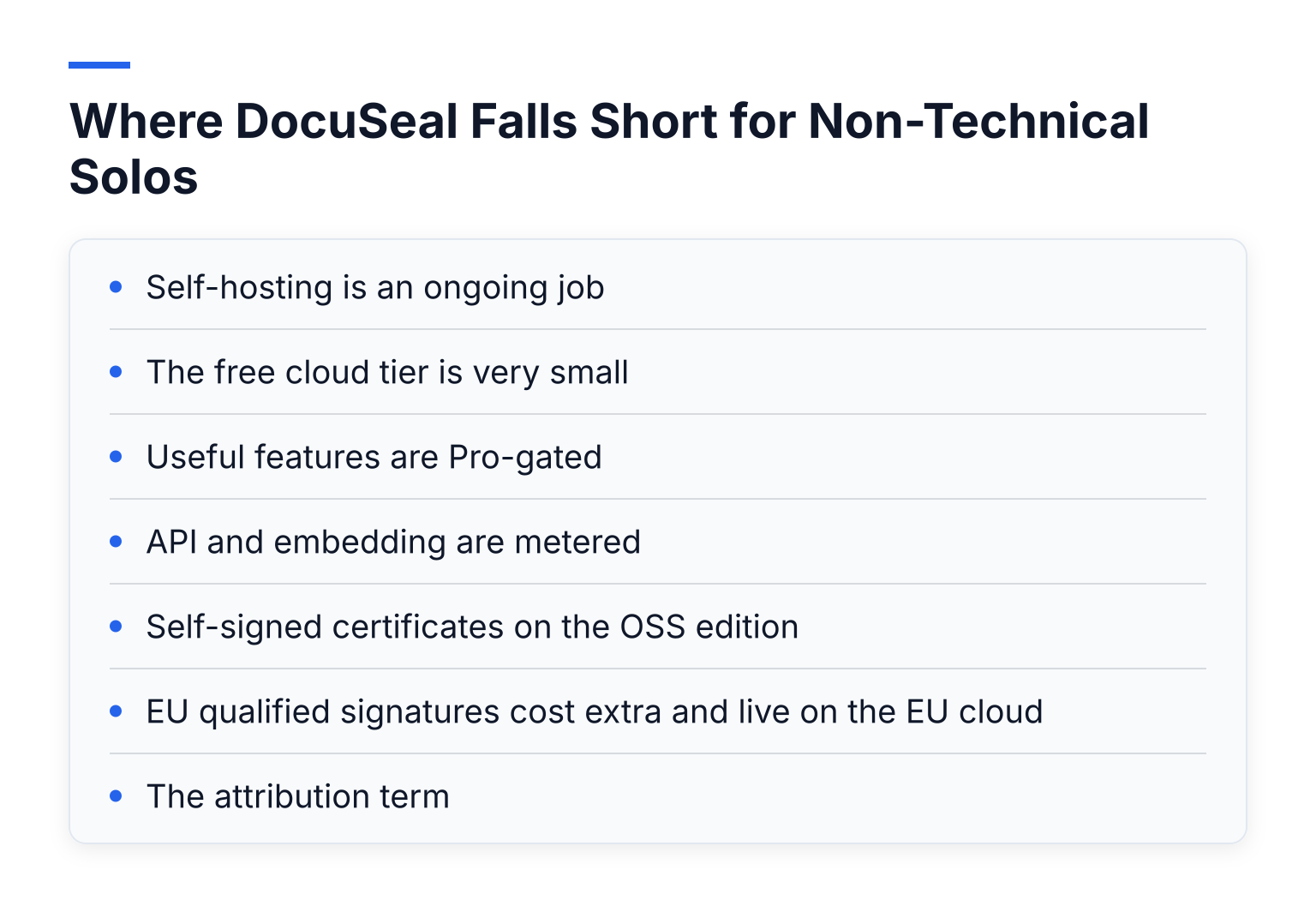
- Self-hosting is an ongoing job. Updates, backups, security patching, and SMTP email configuration are all yours. Community support for the free edition is GitHub only. If that sentence made you tired, self-hosting is not for you.
- The free cloud tier is very small. Ten request emails per month is a trial, not a working plan for a busy freelancer.
- Useful features are Pro-gated. Automated reminders, your own email address, your logo, user roles, teams, bulk send, and conditional fields all require the $20/user/month Pro plan.
- API and embedding are metered. On Pro, every document completed through the API or embedded signing costs $0.20 on top of your seat. For a SaaS product signing 200 documents a month, DocuSeal's own examples put that at $60/month total. Fine for apps, an odd model for simple sending.
- Self-signed certificates on the OSS edition. A self-hosted install seals PDFs with a certificate it generates itself. The signature is cryptographically valid but will not show as trusted in Adobe Reader out of the box. You can upload your own certificate, but that's another technical task.
- EU qualified signatures cost extra and live on the EU cloud. eIDAS advanced and qualified signatures (QES) run through docuseal.eu and cost $2 to $4 per signature on Pro. If you need QES regularly, budget for it.
- The attribution term. The AGPL Section 7(b) addition means a free self-hosted install keeps DocuSeal branding in the interface. Some buyers are surprised by this after assuming "open source" means "white-label."
DocuSeal vs DocuSign: The Short Version
DocuSign wins on zero setup, enterprise integrations, brand trust, and identity-verification options. It loses hard on price, which is why people search for alternatives in the first place. DocuSeal wins on cost, data control, and simplicity; it loses on integrations, compliance depth, and support.
If your main question is what DocuSign's paid plans actually cost and limit, we break that down in DocuSign Pricing Plans Explained. For a fuller feature-by-feature breakdown, see DocuSeal vs DocuSign: Pricing, Limits & Self-Hosting. Keep this section short here on purpose: you asked for a DocuSeal verdict, not another head-to-head essay.
The Simpler Path: SignFree as a Hosted Free Option
Most of DocuSeal's shortcomings for solo operators come from one root cause: either you run infrastructure, or you accept tight free-tier limits. If neither appeals, a hosted free tool removes that tradeoff entirely.
SignFree is built exactly for this reader. You upload a document, add signers, send it for signature, track completion, and store the signed file with an audit trail. There are no servers to maintain, no SMTP to configure, and no self-signed certificates to worry about. The Free plan is unlimited for one-person businesses, so you can send client agreements, NDAs, proposals, consulting contracts, or reusable templates as often as you need, and your signers never have to create accounts. Pro adds team collaboration, SMS OTP, and white-label branding when you grow past one person.
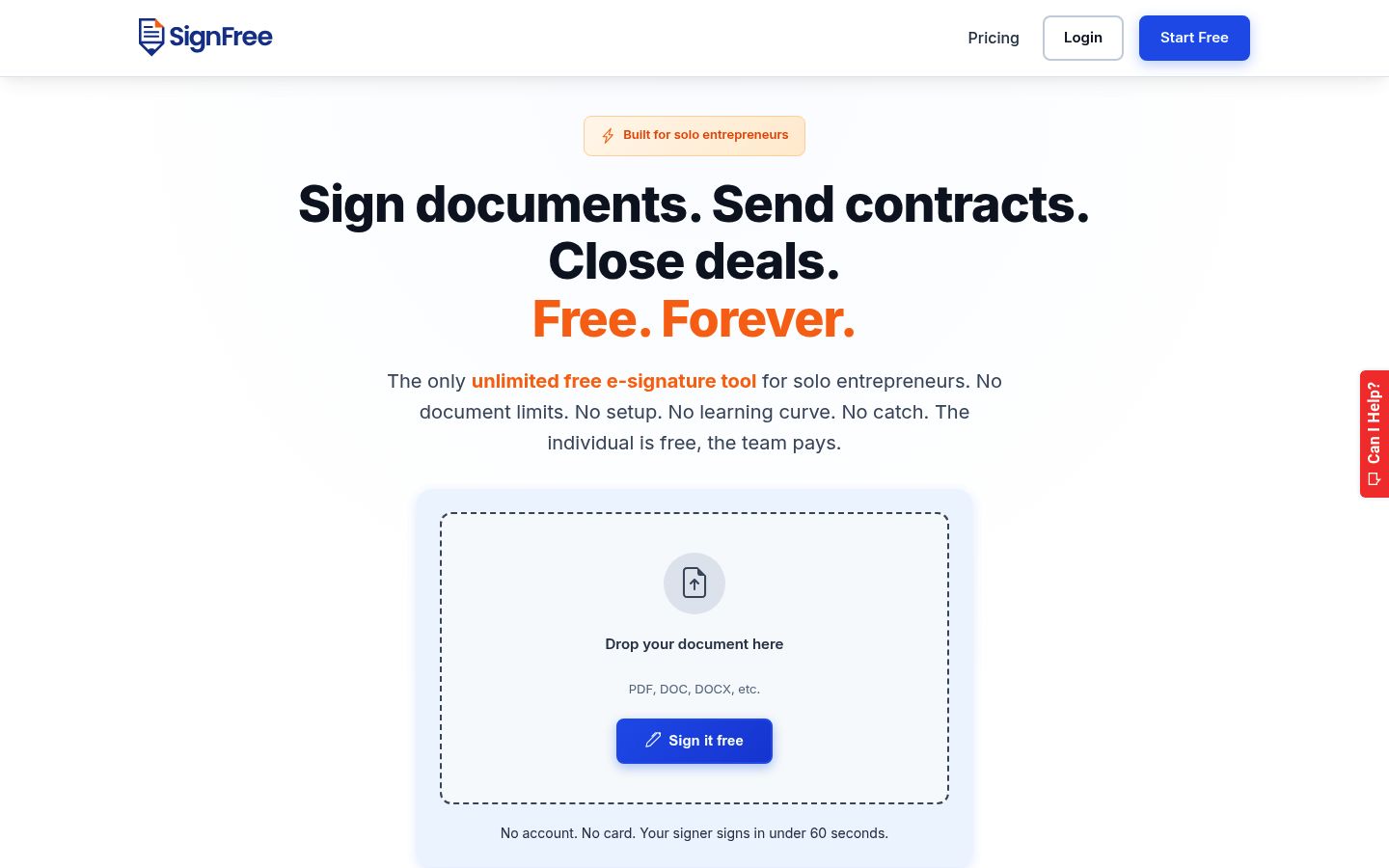
The honest tradeoff is different: you don't get DocuSeal's self-hosted data control or source-code access. If data residency on your own hardware is a hard requirement, self-hosted DocuSeal is the better answer. If your requirement is "free, unlimited, and zero maintenance," SignFree fits better. We compare the two directly on our DocuSeal alternative page.
How to Choose: A Practical Checklist
Answer these four questions in order:
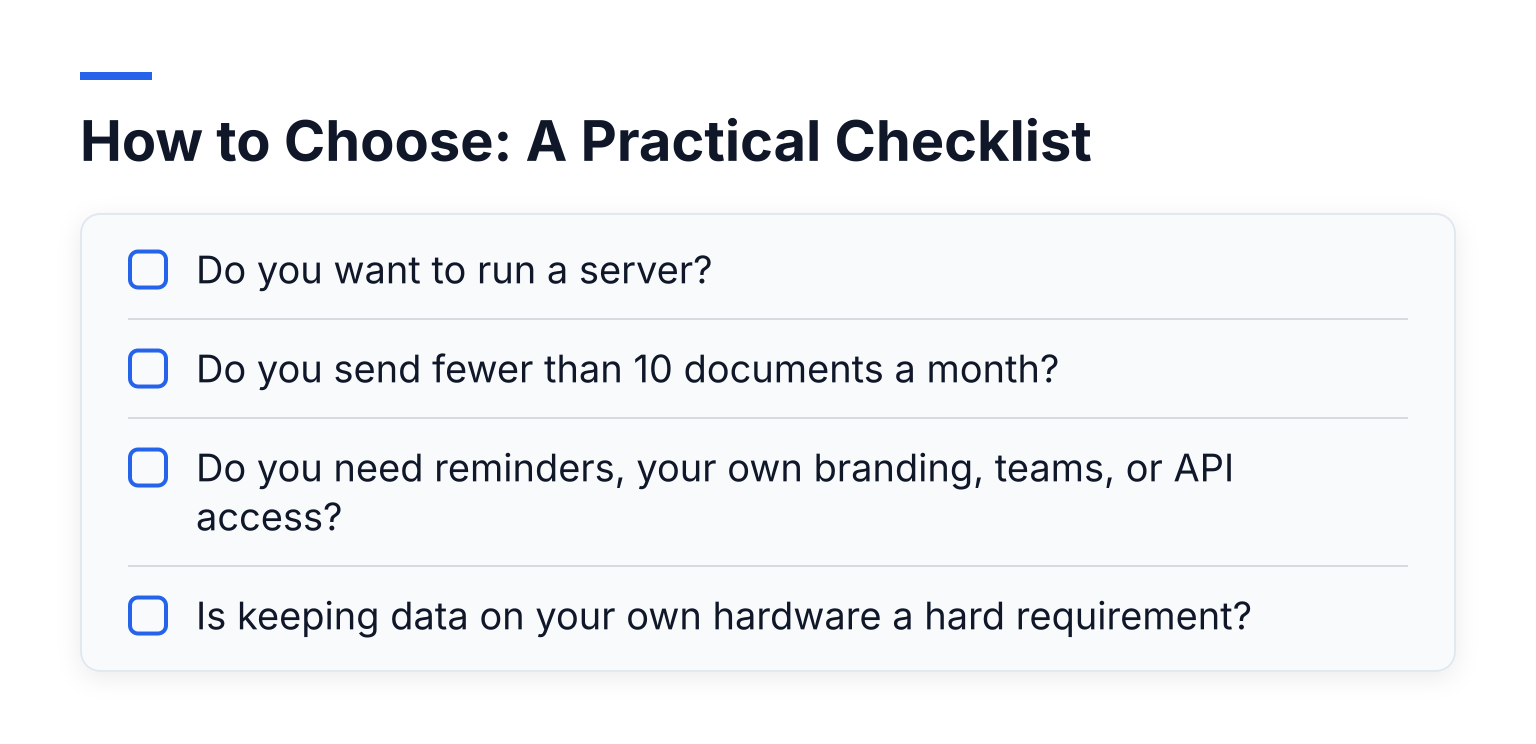
- Do you want to run a server? If no, cross out self-hosted DocuSeal. That eliminates its main selling point.
- Do you send fewer than 10 documents a month? If yes, DocuSeal cloud Basic at $0 works well. If no, keep reading.
- Do you need reminders, your own branding, teams, or API access? If yes, that is DocuSeal Pro at $20/user/month, plus $0.20 per API-signed document. Decide if that total beats a hosted free plan.
- Is keeping data on your own hardware a hard requirement? If yes, self-hosted DocuSeal (or Pro on-prem at $240/user/year) is worth the ops work. If no, a hosted free tool is simpler end to end.
Still comparing the wider market? Our 7 best free DocuSign alternatives for 2026 covers DocuSeal, SignFree, and the rest side by side.
Common Questions
Is a DocuSeal signature legally binding? Yes, for most everyday business documents in most jurisdictions, same as DocuSign: the completed PDF, audit log, and e-signature framework carry the legal weight. Anything requiring a qualified signature under eIDAS needs the QES options on the EU cloud, priced per signature.
Who maintains a self-hosted DocuSeal instance? You do. Updates, backups, uptime, and email deliverability are your responsibility. The free edition's support channel is GitHub.
What does DocuSeal's free tier actually limit? The free cloud Basic plan limits you to 10 signature request emails per month and withholds Pro features like reminders, branding, teams, and API access. The free self-hosted edition has no sending limit, but uses a self-signed certificate and requires you to run everything.
The Next Step
If you want data ownership and don't mind maintaining a server, deploy DocuSeal's open-source edition this week and see if the ops work suits you. If you just want contracts signed without a monthly bill or a server to babysit, create a free SignFree account and start signing free today: unlimited sending for one-person businesses, audit trails included, nothing to install.