
What Is an E-Sign PIN and OTP Verification? A Plain-English Guide
Summary of the Article
An e-sign PIN or one-time passcode (OTP) is a short code a signer must enter before they can open or sign a document. It proves the signer controls an inbox or a phone, without requiring them to create an account. Pick the verification level that matches the risk of the document: email OTP for everyday agreements, SMS OTP or a sender-set PIN for high-stakes contracts, and paid ID checks only when you need government-level identity proof.
- No check: signer clicks a link and signs; fine for low-stakes internal docs.
- Email OTP: code sent to the signer's email; proves inbox access; usually free.
- SMS OTP: code texted to the signer's phone; proves phone access; often a paid add-on.
- Sender-set PIN: you choose a secret and share it out-of-band; strongest practical proof when you already know the signer.
- ID checks / KBA: paid, formal identity verification for regulated or high-value deals.
What an e-sign PIN actually is
An e-sign PIN is a personal identification number a signer must type in before a document opens. A one-time passcode works the same way, but the code is generated fresh for that one signing session. Both belong to the same family: a short secret that stands between a signing link and the person using it.
The point is simple. When you send a contract by email, the link in that email can technically be clicked by anyone with access to the inbox. A PIN or OTP raises the bar: whoever signs must also receive (or know) a code that never appeared in the original email.
The verification ladder, from weakest to strongest
E-signature platforms generally offer a ladder of checks. Each rung proves something different, and none of the middle rungs proves government identity.
| Level | What the signer does | What it proves | What it does not prove | Typical fit |
|---|---|---|---|---|
| No check | Opens link, signs | The signer saw the link | Almost nothing | Internal forms, drafts |
| Email OTP | Enters a code emailed to them | Control of that inbox | The person's real identity | NDAs, proposals, client agreements |
| SMS OTP | Enters a code texted to their phone | Control of that phone number | Real identity | Leases, higher-value contracts |
| Sender-set PIN | Types a secret you chose | Knowledge of the secret | Real identity | Situations where you know the signer well |
| ID check / KBA | Answers knowledge questions or uploads ID | Formal identity match | Still not intent to sign | Regulated, high-stakes transactions |
Vendors frame this proof-what distinction in their own documentation too. TurboDocx's passcode guide describes email and SMS passcodes as a check that runs before the document loads, while stronger identity verification exists as a separate, provider-based step.
How email OTP works
Email OTP is the easiest rung to use. You add a signer and enter their email address. When the signer clicks the signing link, the platform sends a fresh code to that address. The document stays locked until the signer types the code in.
The whole flow looks like this:
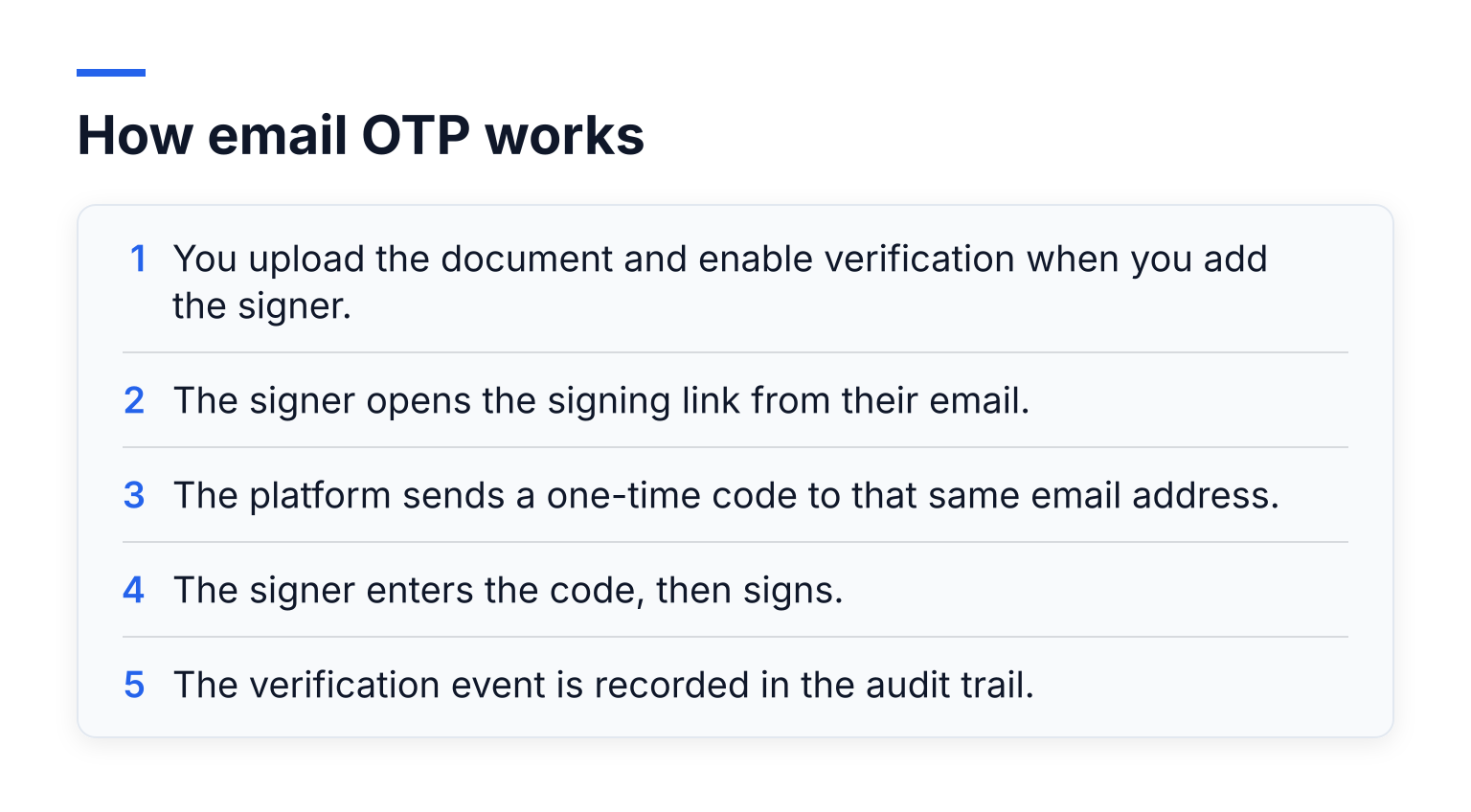
- You upload the document and enable verification when you add the signer.
- The signer opens the signing link from their email.
- The platform sends a one-time code to that same email address.
- The signer enters the code, then signs.
- The verification event is recorded in the audit trail.
The signer needs nothing beyond their email. No account, no password, no app. That is why email OTP is the default choice for NDAs, proposals, and standard client agreements: it adds real evidence without adding friction.
How SMS OTP works
SMS OTP signing sends the code as a text message to the signer's mobile number instead. You enter that number when you add the signer, and the signer must have the phone in hand to open the document.
SMS adds two things email cannot: a second communication channel, and proof of control of a phone number. If someone hijacked the signer's email account, they still could not sign without the phone. The tradeoffs are practical ones. SMS delivery can fail, phone numbers get recycled between owners, and on many platforms SMS verification is gated behind a paid plan because text messages cost money to send. For most small-business signing, email OTP is the sensible default and SMS is the upgrade for higher-stakes documents.
Sender-set PINs: the method people overlook
With a PIN, you choose the secret yourself and give it to the signer out-of-band, meaning by a different channel than the signing email. A phone call, a text you send yourself, or a conversation in person all count. Minimum lengths are common; four digits is the floor in Xodo Sign's signer authentication documentation, which also stresses that the platform never sends the PIN for you.
This is the strongest practical proof when you already know the signer. A PIN sent over a phone call proves the signer and you share a secret that never touched email at all. It suits repeat contractors or a client you work with closely. Its weakness is the same as any shared secret: it travels through a human, so handle it like a password and never send it in the same email as the signing link.
What these methods prove and what they do not
Be honest with yourself about the evidence. Email OTP, SMS OTP, and PINs all answer one question: does this person control this inbox, this phone, or this secret? They do not verify that the signer is the legal person named in the document. A stranger who briefly controlled the inbox would pass an email OTP.
For formal identity proof, platforms sell knowledge-based authentication (questions only the person should answer, drawn from records) or ID document checks (photo of a passport or driver's license). Those cost more per signer and add real friction, so reserve them for deals where the risk justifies it.
A security nuance worth knowing: security standards bodies treat email as a weak authentication channel. NIST's Digital Identity Guidelines (SP 800-63B) state that email shall not be used for out-of-band authentication because an inbox can be opened with a password alone, while phone-based codes are permitted with restrictions. In plain terms: email OTP is useful evidence, but it is a convenience-grade check, not a security guarantee. That is exactly why the audit trail matters so much.
The audit trail: where verification pays off
Every verification event gets recorded: when the email was sent, when the code was entered, when the document was viewed and signed, with IP address and timestamps. That record is what turns a good-faith signature into defensible evidence.
If a dispute ever arises, the audit trail shows the chain: the signer's email received the request, that inbox produced the correct code, and that session produced the signature. Under laws like the US ESIGN Act and UETA, and the EU's eIDAS regulation, this kind of evidence supports a standard (simple) electronic signature. Most small-business documents only ever need the SES level. This article is not legal advice; for the compliance detail, read our e-sign compliance and signature levels guide.
Matching the level to the document
A quick way to decide:
- NDA: email OTP. You mainly want proof the right person received and signed it.
- Proposal or quote: email OTP, or no check if the relationship is brand new and low risk.
- Client agreement or consulting contract: email OTP at minimum; SMS OTP for larger retainers.
- Lease or real-estate disclosure: SMS OTP, because the phone number adds a channel email cannot.
- High-stakes or regulated contract: SMS OTP or a sender-set PIN, and consider paid ID checks if the platform offers them.
Common problems and fixes
- Signer never got the code: check spam and junk folders first, then confirm the email address or phone number was entered correctly. Country codes matter for SMS.
- Wrong email or phone: the code goes wherever you typed. If you misspelled the address, resend the request with the corrected contact.
- Expired code: OTPs are short-lived by design. Have the signer request a fresh code; it takes seconds.
- Locked out after failed attempts: most platforms limit wrong entries. Wait for the retry window or resend the request.
- Signer objects to the extra step: explain it protects both of you. It takes twenty seconds and the audit trail protects the signer too.
What the signer needs (and does not need)
Nothing beyond an inbox or a phone. The sender enables verification when adding the signer; the signer never registers an account, downloads software, or remembers a permanent password. For a step-by-step walkthrough of sending and signing free, see how to e-sign a document for free.
What this looks like in practice
Say you are a freelance designer sending an NDA to a new client. With SignFree, you upload the PDF, add the client's email as the signer, and enable email verification. The client clicks the link, gets a code in their inbox, types it in, and signs. No account for them, no cost to you: SignFree's free plan is unlimited for one-person businesses and includes signing with audit trails, while the Pro plan adds SMS OTP and team features. For the full picture, see SignFree: unlimited free e-signatures for solopreneurs, the overview of free e-signature online with unlimited document signing, or learn how to request signatures online free.
The next step
Pick your default now: email OTP for the agreements you send weekly, and decide in advance what triggers SMS or a PIN for the rare high-stakes one. If you want to start with email-verified signing today, create a free SignFree account or start signing free.