
How to E-Sign a Document for Free: Send, Sign & Store
Summary of the Article
Yes, you can get a document legally signed online for free, and the whole job takes a few minutes: upload the file, add your signers, place the fields, send, track, and store the signed PDF with its audit trail. The law does not care what you paid. Under US and EU rules, what matters is that the signer meant to sign, agreed to do business electronically, and that you keep the record.
- What "free" means: it varies. Some tools give a limited trial, some cap how many documents you can send each month, and some (including SignFree) offer a free-forever plan for one-person businesses. Check before you upload.
- The flow: upload → add signers → place fields → send with email verification → track and remind → download the signed PDF and keep the audit trail.
- Signers do not need an account with most modern tools, including SignFree, and they can sign from a phone.
- The catch: a free plan usually covers a simple electronic signature. If you need team features, SMS verification, or a higher-assurance signature type, that is where paid plans start.
Below, you get the complete workflow first, then a worked example using SignFree's Quick Send so every step is concrete.
What "free" actually means (before you commit)
"Free" e-signature comes in three flavors, and they are not the same thing:
- Free trial. You get full features for a short period or a small number of documents, then pay. Fine for one contract; bad as your ongoing workflow.
- Capped free account. The account stays free, but you can only send a limited number of documents per month. If you send a few agreements a month, check that cap carefully.
- Free-forever plan. The core send-sign-track flow stays free without a trial clock. SignFree's free e-signature plan, for example, is built for one-person businesses and has no per-document trial limit.
The honest way to compare: open each vendor's pricing page and look for three things: whether the free offer expires, whether there is a monthly document cap, and whether signers must pay or register. That takes two minutes and saves you from discovering a limit after you have already uploaded your client's contract.
| Flavor of "free" | What to check | Good fit |
|---|---|---|
| Free trial | When it expires, what happens after | One-off documents |
| Capped free account | Documents per month, price per extra document | Very light, occasional signing |
| Free-forever plan | What is genuinely included at no cost | Recurring solo work: contracts, NDAs, proposals |
Before you start: three things to have ready
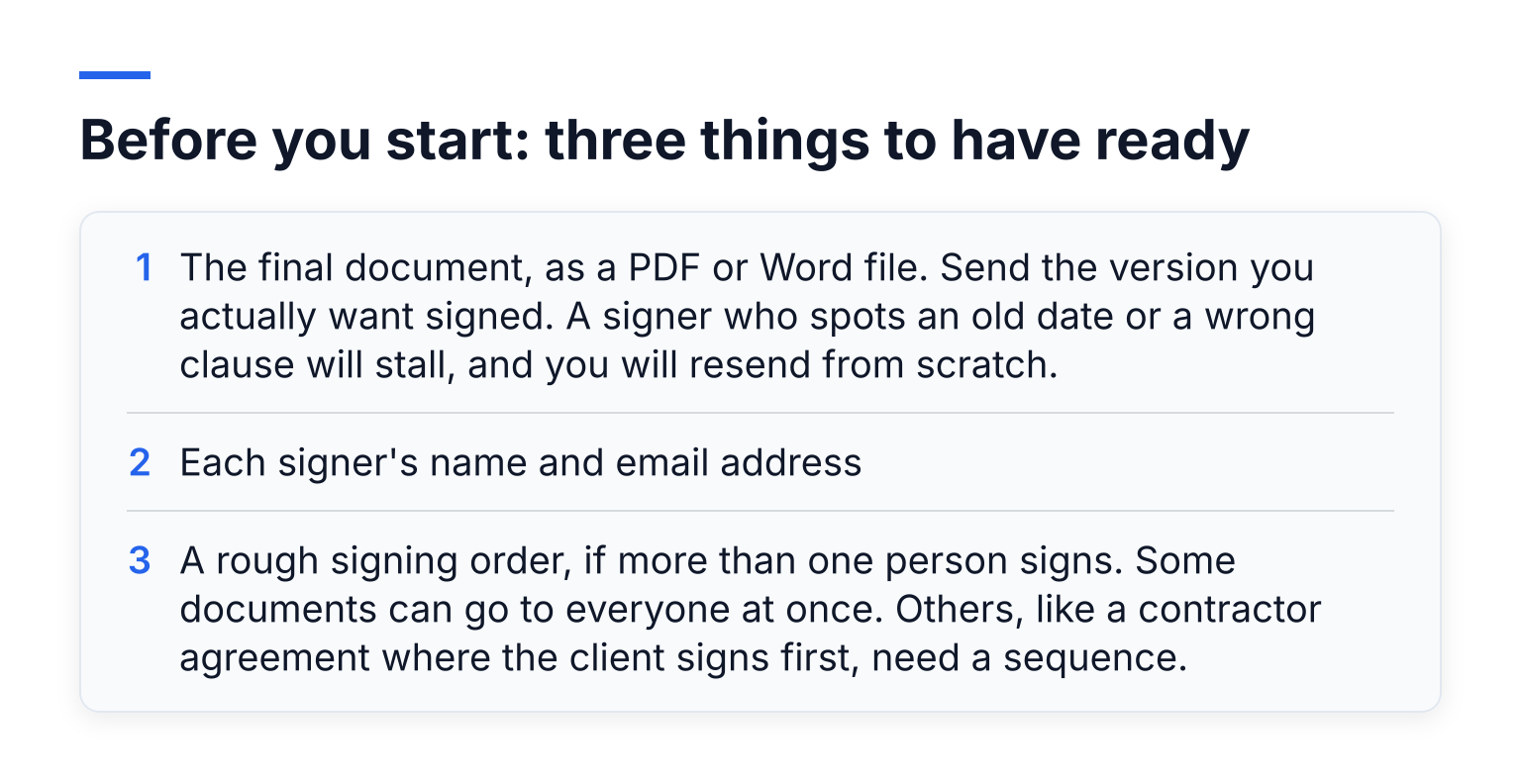
- The final document, as a PDF or Word file. Send the version you actually want signed. A signer who spots an old date or a wrong clause will stall, and you will resend from scratch.
- Each signer's name and email address. Double-check the spelling. A typo in an email is the most common reason a document never gets signed.
- A rough signing order, if more than one person signs. Some documents can go to everyone at once. Others, like a contractor agreement where the client signs first, need a sequence.
If you are only signing something yourself, no email round-trip is needed. Most tools, including SignFree, let you sign a document yourself on the spot.
The whole flow at a glance
Every mainstream e-signature tool follows the same six beats:
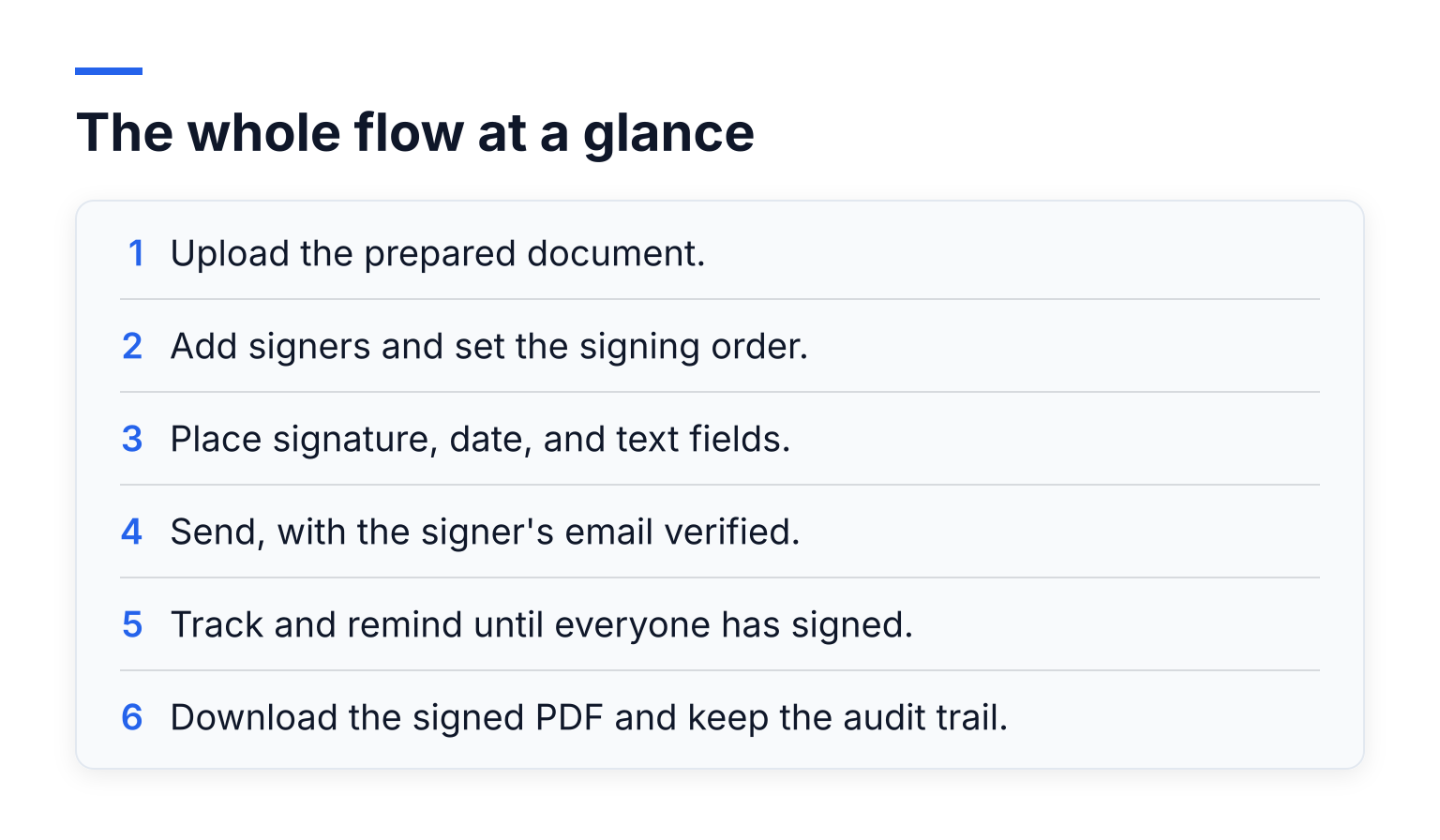
- Upload the prepared document.
- Add signers and set the signing order.
- Place signature, date, and text fields.
- Send, with the signer's email verified.
- Track and remind until everyone has signed.
- Download the signed PDF and keep the audit trail.
The next section walks through each one.
Step 1: Create a free account and upload the document
Sign up with the tool you picked, then upload your file. Most platforms accept PDF as the standard, and many accept Word documents too, either directly or after converting them. Upload is usually drag-and-drop, and some tools also let you pull a file in from cloud storage.
Name the file clearly before you upload. When you have ten signed agreements by December, "Consulting-Agreement-Acme-2026.pdf" beats "final_v3.pdf".
Step 2: Add signers, roles, and the signing order
Enter each signer's name and email. If you also need to sign, look for an option like "add me as a signer" so your own signature is part of the same document rather than a separate step. SignFree documents exactly how to add yourself as a signer in its Help Center.
Then decide the order. If anyone can sign in any sequence, leave it open: parallel signing is faster. If the contract says the client signs first, set a signing order so the second signer only gets their turn after the first. Getting this wrong is a common rework cause, so match the order to what the document actually requires.
Step 3: Place the fields exactly where they belong
This is where you tell the tool who signs what. Drag signature fields onto the document at each spot that needs one, and add date fields next to them. If a signer also needs to type something in, like their title or an initial on each page, place text fields for that too.
Assign every field to a specific signer. An unassigned field is invisible to your signer or, worse, leaves them guessing. If a document has signatures in fiddly places, most tools let you position fields precisely rather than dropping them roughly on the page.
Step 4: Send, and let email do the verifying
Hit send. The signer gets an email with a secure signing link. Opening that link from their own inbox is itself a basic check that the right person received it.
Many tools add a second layer. A magic link, for example, is a single-use link that only works from the intended inbox. Some platforms verify signers with an email code (an email OTP). Stronger verification, like a code sent by text message, usually sits behind paid tiers because it costs the vendor money per message. Email verification is free and is enough for most everyday business documents.
Step 5: What your signer actually experiences
Your signer clicks the email link, reviews the document, and clicks or draws their signature where you placed the fields. They do not need to create an account. SignFree, for instance, deliberately requires no signer registration, which removes the biggest drop-off point in the process.
Expect mobile. A freelancer's client may review a proposal on their phone between meetings. That is why field placement matters: a signature box half off the page is annoying on a laptop and worse on a small screen. Keep fields clear of each other and near the text they relate to.
Step 6: Track pending signatures and chase stragglers
After sending, your dashboard shows which signers have completed and who is still pending. SignFree's Help Center explains how to track pending signatures in its own dashboard. From there:
- Send a reminder. One click, and the tool resends the email. Do it after a day or two of silence; inboxes bury things fast.
- Copy the signing link. If a signer says "I never got it", you can send the secure link yourself through another channel.
- Watch for bounced emails. A bounce means a typo or a full inbox. Fix the address and resend.
Signing usually stalls on the human side, not the technology. A short, specific nudge ("Acme needs the countersigned NDA before Friday's kickoff") outperforms a generic reminder every time.
Step 7: Store the signed copy and its audit trail
When the last signer finishes, download the completed PDF. Every signer should also get a copy automatically, which many laws treat as part of good record practice.
The signed PDF is only half the evidence. The audit trail, the record of who opened, signed, and when, is the other half. Store both together, and keep them as long as the underlying contract matters. Laws like the US ESIGN Act expect electronic records to stay accurate and reproducible for later reference, so a signed file rotting in your downloads folder is not a retention policy. Move completed documents into a folder per client or per year, and back it up.
Worked example: sending an NDA with SignFree Quick Send
Here is the whole flow applied to a real job. Say you are a freelance designer about to share early designs with a new client, Acme Corp, and you want an NDA signed first.
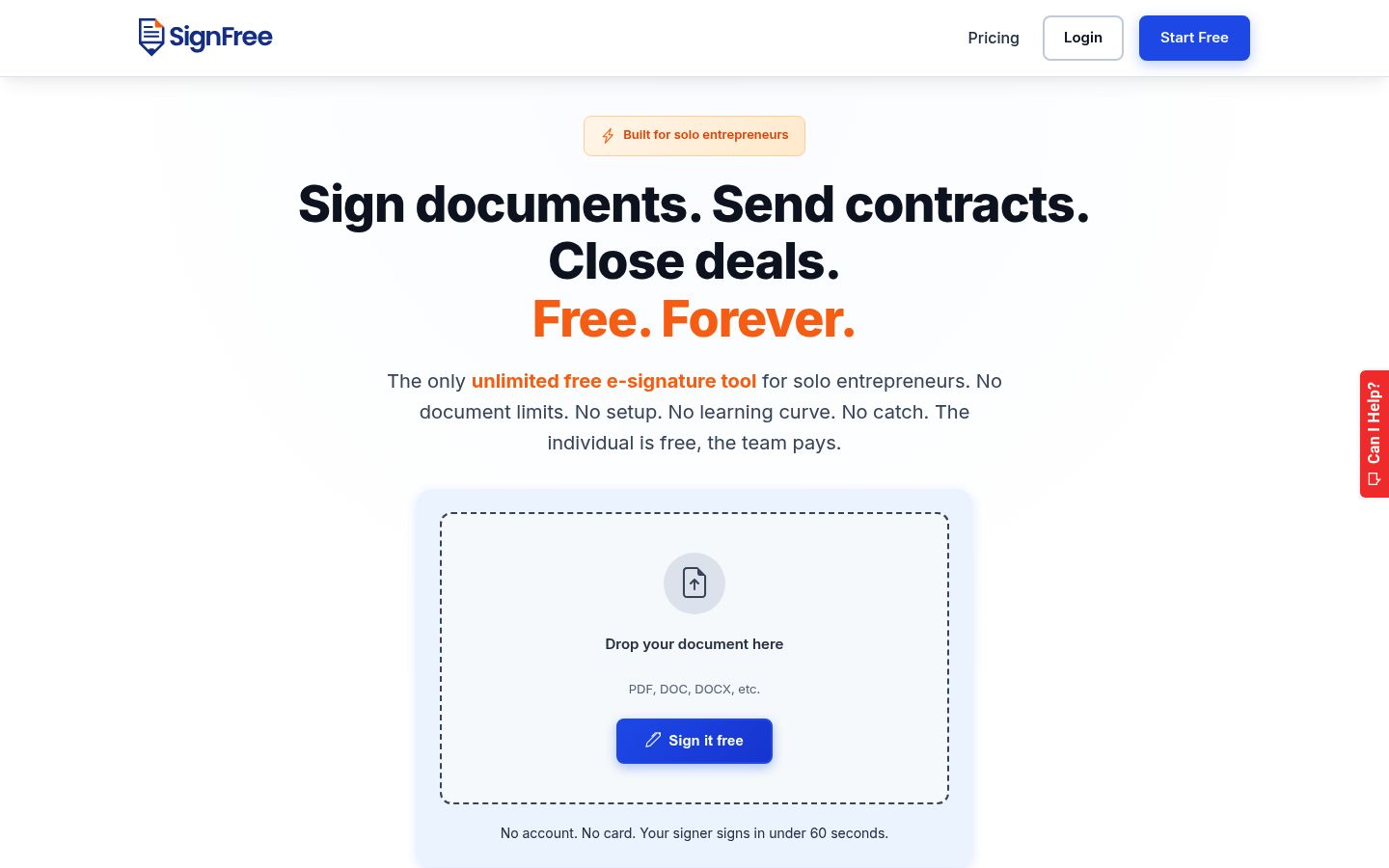
You create a free SignFree account, then use Quick Send, SignFree's fast path for sending a document: upload your NDA, add Acme's contact as the signer, add yourself as the second signer, and place a signature and date field at the bottom of the document. You hit send. Acme's contact gets an email with a secure link, opens it on their phone, and signs without creating an account. You then countersign from your dashboard.
While you wait, the tracking view shows the document as pending, so you know exactly when to nudge. The moment both signatures land, you download the signed PDF with its audit trail attached and drop both into your Acme folder. For the next client, you reuse the same setup instead of starting over, and for agreements you send again and again, SignFree lets you save a reusable template. The whole thing costs nothing on the Free plan, which is built for one-person businesses.
Why a free e-signature is still legally binding
The price of the tool has nothing to do with the validity of the signature. In the United States, the ESIGN Act and UETA give electronic signatures the same standing as handwritten ones, and courts treat the exchange of electronically signed documents as proof the parties agreed to transact this way, according to the American Bar Association's guidance on electronic signatures. What the laws care about is the substance, not the subscription.
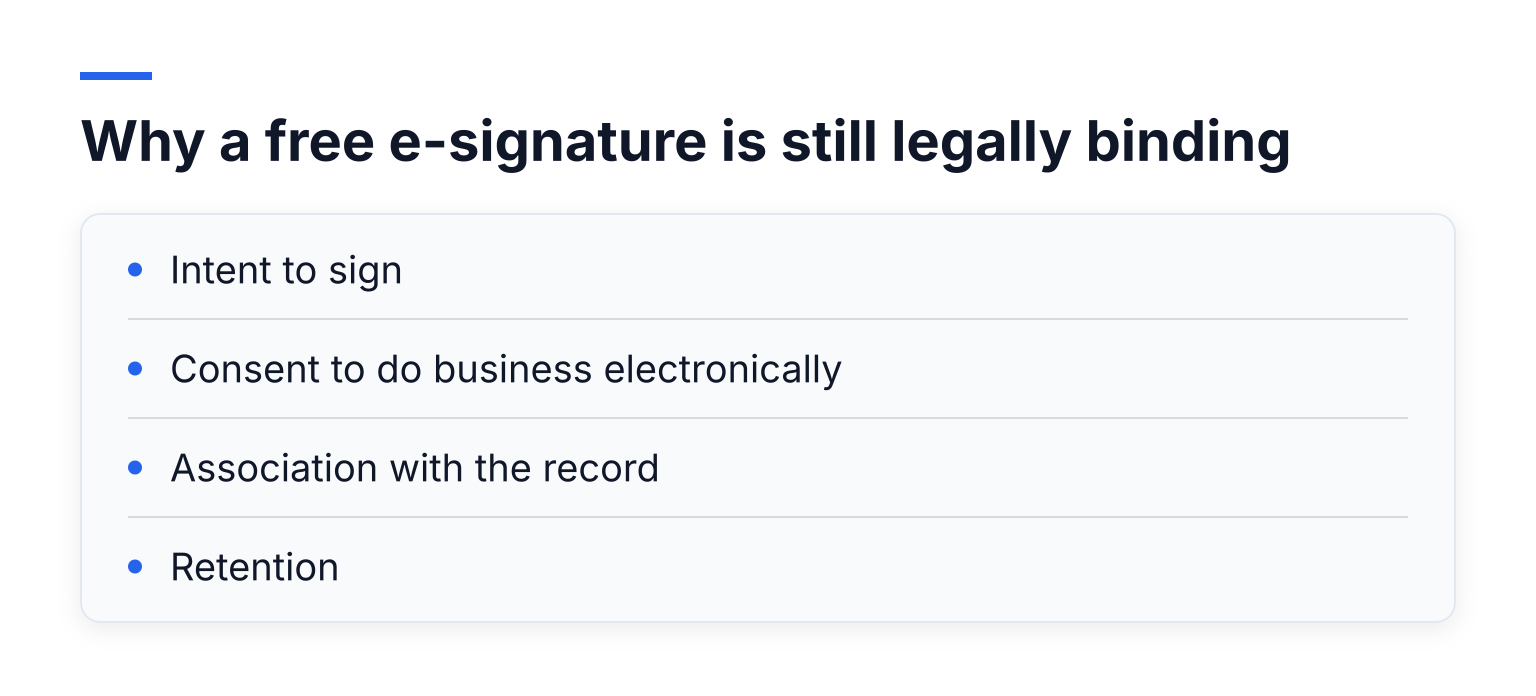
For a signature to hold up, you generally need:
- Intent to sign. The signer deliberately took the signing action, such as drawing or typing their name in a clearly marked field.
- Consent to do business electronically. The parties agreed, explicitly or through their conduct, to transact this way. Exchanging signed documents back and forth usually demonstrates this.
- Association with the record. The signature is attached to the specific document, not floating in a separate email thread.
- Retention. The signed record can be stored and reproduced accurately later.
When someone later disputes a signature, an audit trail is your evidence: it shows the email that was sent, when the document was opened, and when the signature was applied. That is also why a platform-signed PDF with a tamper-evident seal beats a pasted image of your signature, which anyone can copy onto anything. If the document is important enough to argue about later, it is important enough to send through a proper flow.
One honest limit: mainstream free tools produce what regulators call a simple electronic signature. In the EU, the eIDAS regulation says an electronic signature cannot be denied legal effect just because it is electronic or not "qualified", but only qualified electronic signatures are explicitly given the same weight as a handwritten signature across all member states (eIDAS, Article 25). SignFree's compliance posture covers ESIGN, UETA, and eIDAS simple electronic signature (SES), and does not cover advanced (AES) or qualified (QES) signature levels, as its signature levels page explains. For most business contracts, a simple signature with a solid audit trail is the norm. For the few document types that demand more, like certain notarized or government filings, check the requirement first.
Common mistakes that stall documents
- Sending the wrong file version. The signer signs v2 while the deal terms live in v3. Freeze the document before you upload it.
- Unassigned or missing fields. The signer reaches a page with no signature box and gives up. Walk the document yourself before sending.
- Overloaded instructions. Three paragraphs of "how to sign" in the email body confuse more than they help. The tool's interface already explains itself.
- Assuming desktop. Many signers will use a phone. Place fields so they work on a small screen.
- No reminder plan. Documents do not get signed while you wait. Set a personal rule: no movement in 48 hours, send the reminder.
When free is not enough
Free plans cover the solo send-sign-track loop extremely well. You will eventually want to pay when:
- A team needs to share templates and documents. Multi-user collaboration is a paid-tier feature on most platforms, including SignFree's Pro plan.
- You need stronger signer verification. SMS OTP verification typically sits in paid tiers.
- Documents should carry your brand. White-label branding, your logo instead of the vendor's, is a Pro-level feature.
- You need AES or QES signature levels for regulated document types, which usually means a specialized provider.
Until you hit one of those walls, free is genuinely enough. Making e-signing a repeatable habit, with templates for your recurring agreements and a consistent folder structure, matters more than the tool you use.
Ready to send your first document
You now have the full path: prepare the file, add signers, place the fields, verify by email, chase the stragglers, and keep the signed PDF with its audit trail. If you want to run that exact flow without a trial clock or a document cap, you can create a free SignFree account or start signing free at signfree.io. Your first agreement can be out the door in the next ten minutes.