
Open Source vs Hosted: Free DocuSign Alternatives Compared (2026)
Summary of the Article
If you want a DocuSign alternative, you have two very different paths: run an open-source tool on your own server, or use a hosted service with a real free plan. Self-hosting gives you control, but it is not automatically free once you count server time, updates, backups, and getting documents delivered by email. For most solo businesses, a hosted free plan is the faster and cheaper choice.
- SignFree: hosted, zero maintenance, unlimited free signing for one-person businesses with audit trails; you cannot self-host it.
- Documenso: the most polished open-source DocuSign clone; the free Community Edition lacks support and advanced features.
- DocuSeal: strong at PDF forms and templates; white-label, SSO, API, and roles sit behind a paid Pro license even when self-hosting.
- OpenSign: a feature-rich self-hosted option you deploy with Docker; it also offers a hosted tier, and live API tokens are a paid step.
- LibreSign: only makes sense if you already run a Nextcloud server.
Open Source vs Hosted: The Best Free DocuSign Alternatives Compared
Searching for an open-source DocuSign alternative usually means one of two things. Either you want to keep your signed contracts on hardware you control, or you want to stop paying DocuSign without giving up the basics: send, sign, track, store.
Both are legitimate goals. But they lead to different tools, and the open-source route comes with work that marketing pages rarely mention. This comparison walks through what self-hosting actually requires, what each of the four leading open-source tools gives you for free versus what they charge for, and when a hosted free plan like SignFree is simply the better answer.
What self-hosting an e-signature tool really requires
"Free and open source" describes the code, not the total cost of running it. To self-host any of the tools below, you need:
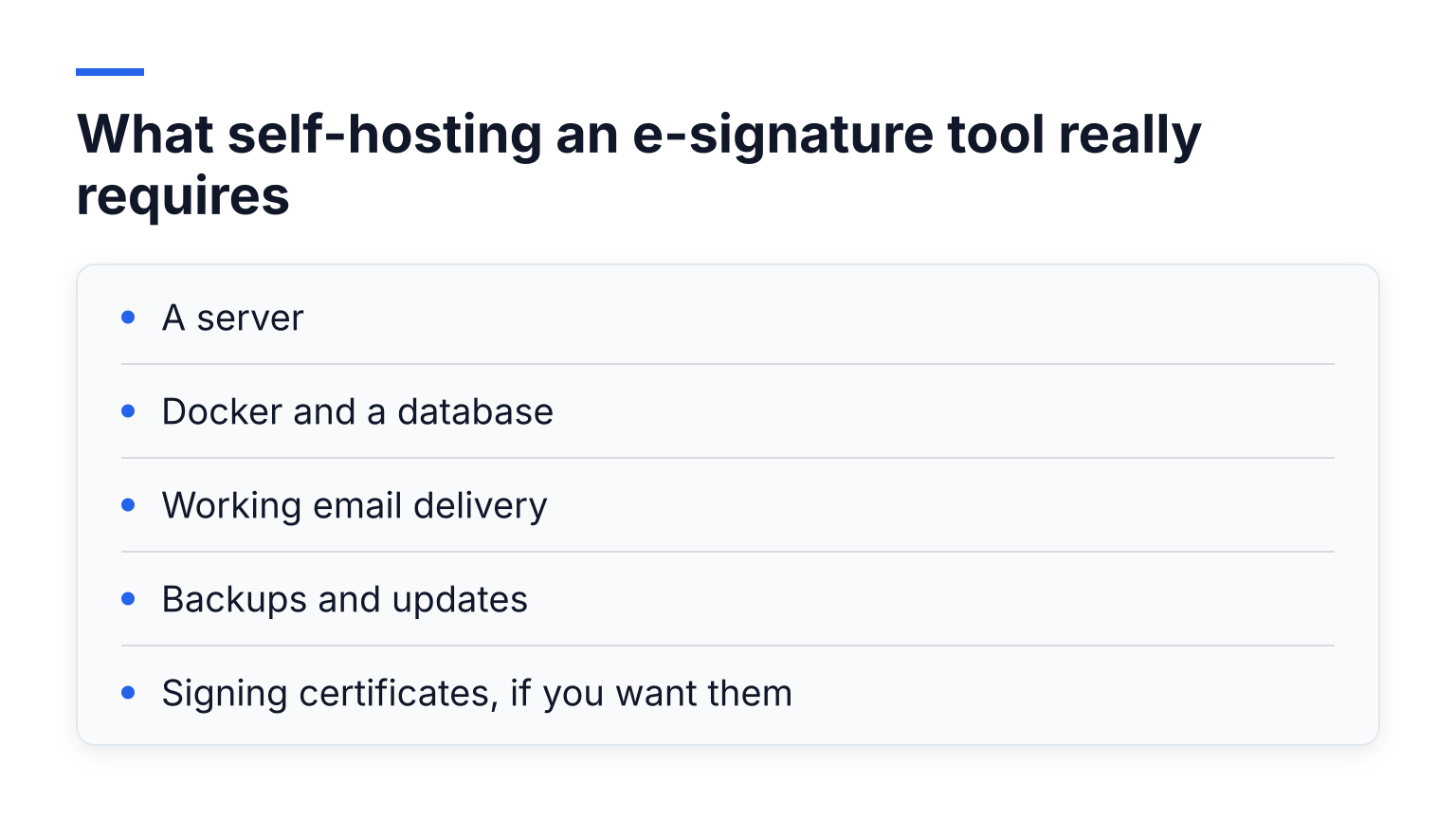
- A server. A small VPS works, but it needs a domain, HTTPS certificates, and a firewall. This typically costs a few dollars to tens of dollars per month, forever.
- Docker and a database. All four tools deploy via Docker, and each needs a database (Postgres, MySQL, or MongoDB depending on the tool) that you must back up yourself.
- Working email delivery. Signature requests are emails. You need your own SMTP provider, correct SPF and DKIM records, and enough deliverability that client emails do not land in spam.
- Backups and updates. You are now the sysadmin. Updates, security patches, and restore testing are your job.
- Signing certificates, if you want them. Trusted signing certificates and advanced validation are your responsibility (or a paid add-on in some tools).
None of this is a dealbreaker if you already run servers and enjoy it. But if your current setup is a laptop and a browser, be honest with yourself about the maintenance you are signing up for.
The license reality check
All four open-source tools in this comparison are licensed under AGPL-3.0, according to their repositories. That license lets you run, study, and modify the software, including for business use, and even offer signing as a service, with source-disclosure obligations.
The catch is that open source does not mean every feature is free. Each project gates certain capabilities behind a paid edition:
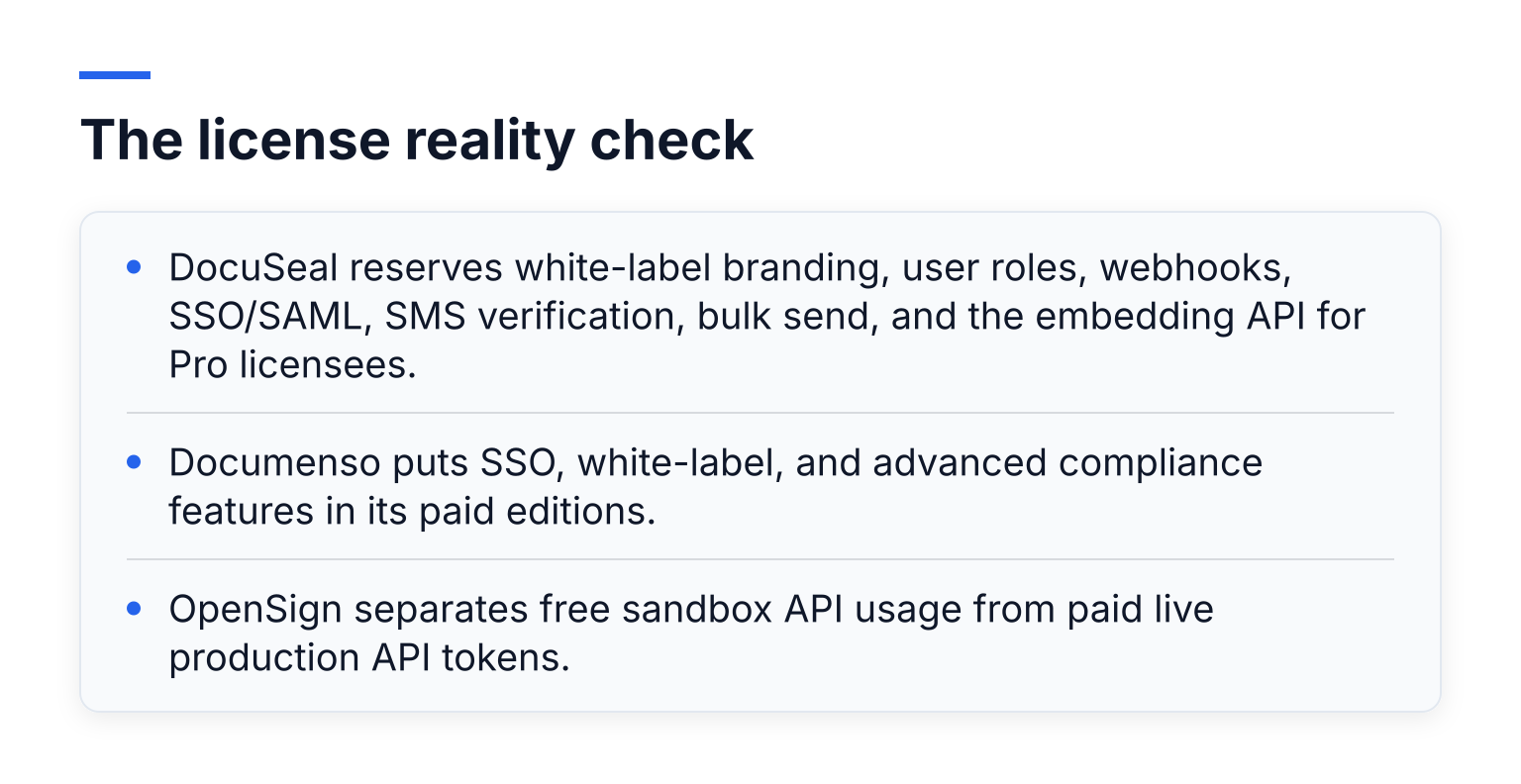
- DocuSeal reserves white-label branding, user roles, webhooks, SSO/SAML, SMS verification, bulk send, and the embedding API for Pro licensees.
- Documenso puts SSO, white-label, and advanced compliance features in its paid editions.
- OpenSign separates free sandbox API usage from paid live production API tokens.
So before you pick a tool, list the features you actually need, then check which edition includes them. The gap between "the code is free" and "this feature works for me" is where most self-hosting projects stall.
At a glance: the five options
| Hosting | Free reality | Setup effort | Best for | |
|---|---|---|---|---|
| SignFree | Hosted cloud | Unlimited free plan for one-person businesses | None | Solos who just want documents signed |
| Documenso | Hosted or self-hosted | Free cloud tier caps at 5 documents/month; self-host free | Medium | Small teams wanting an open-source DocuSign feel |
| DocuSeal | Hosted or self-hosted | Self-host free with core features; Pro gates teams and branding | Medium | PDF forms, fillable templates, high signing volume |
| OpenSign | Hosted or self-hosted | Hosted free tier; self-host via Docker | Medium to high | Teams that want a broad free feature set |
| LibreSign | Self-hosted only (inside Nextcloud) | Free as a Nextcloud app | High unless you run Nextcloud | Organizations already committed to Nextcloud |
SignFree: the hosted, zero-maintenance option
SignFree is the contrarian pick in this list: it is not open source, and you cannot self-host it. It earns its place because it solves the same problem the open-source route is usually reaching for, getting documents signed without paying DocuSign, with none of the server work.
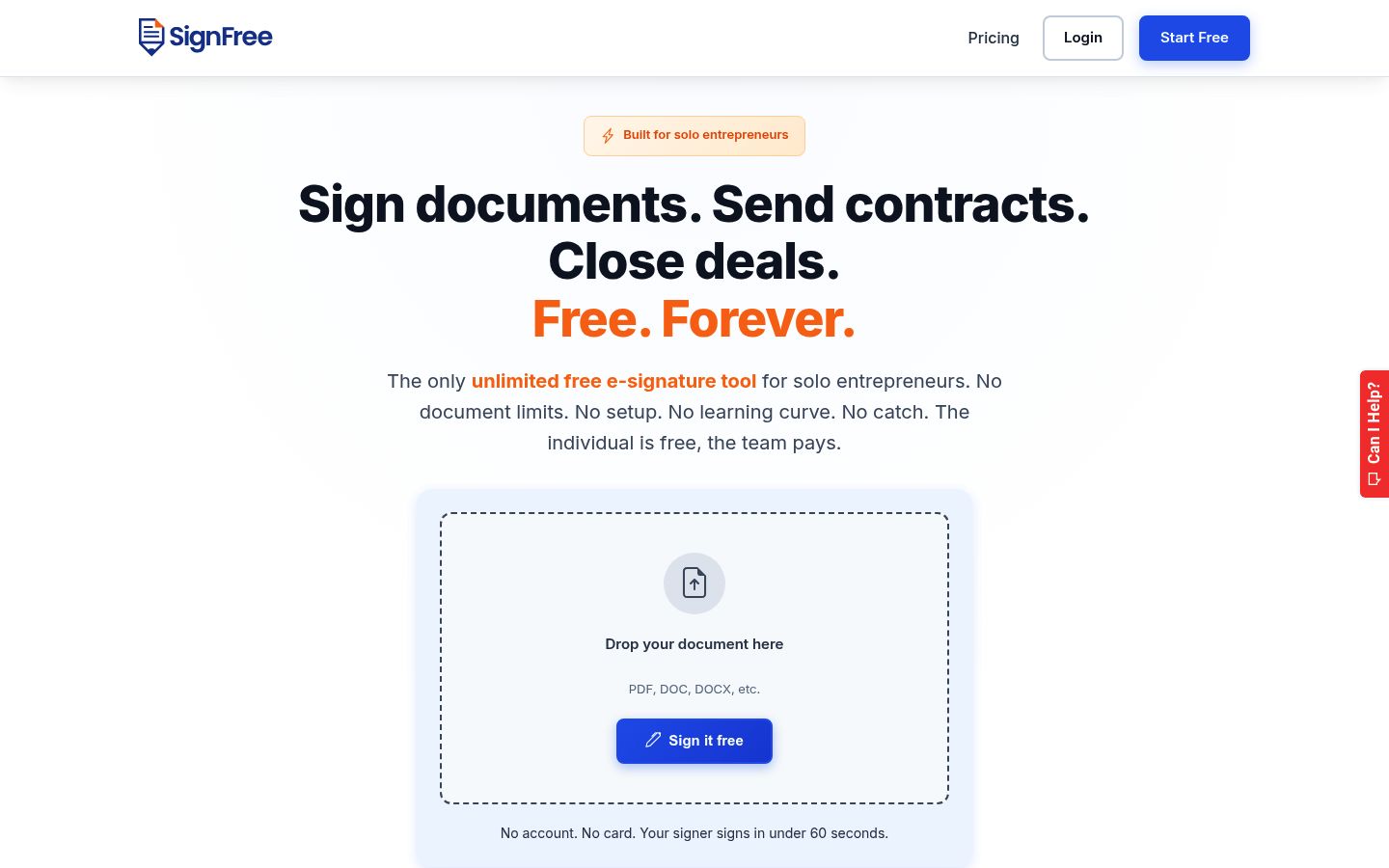
You upload a document, add signers, and send. Signers open a link, verify with a one-time email code, and sign without creating an account. You can track progress, save reusable templates and Magic Links, and every completed document is stored with an audit trail and a tamper-evident Integrity Seal on the PDF.
The Free plan is unlimited for one-person businesses: no document caps, no credit card, no trial countdown. Pro (from $9.99/month) adds what teams need, including multiple users, SMS OTP verification, white-label branding, and a custom email domain.
The honest tradeoff: your documents live in SignFree's cloud, not on your servers, and the free plan shows a small "Powered by SignFree" badge. If data residency rules force everything in-house, this is not your tool. If your goal is simply to send contracts and get them signed today, it probably is. For the broader landscape, see the free DocuSign alternatives comparison.
Documenso: the polished direct replacement
Documenso markets itself as "the open source DocuSign alternative," and the product shows it: a clean signing experience, recipient roles and signing orders, templates with direct signing links, an API, teams, and webhooks. If you want the closest open-source feel to DocuSign, this is the strongest candidate.
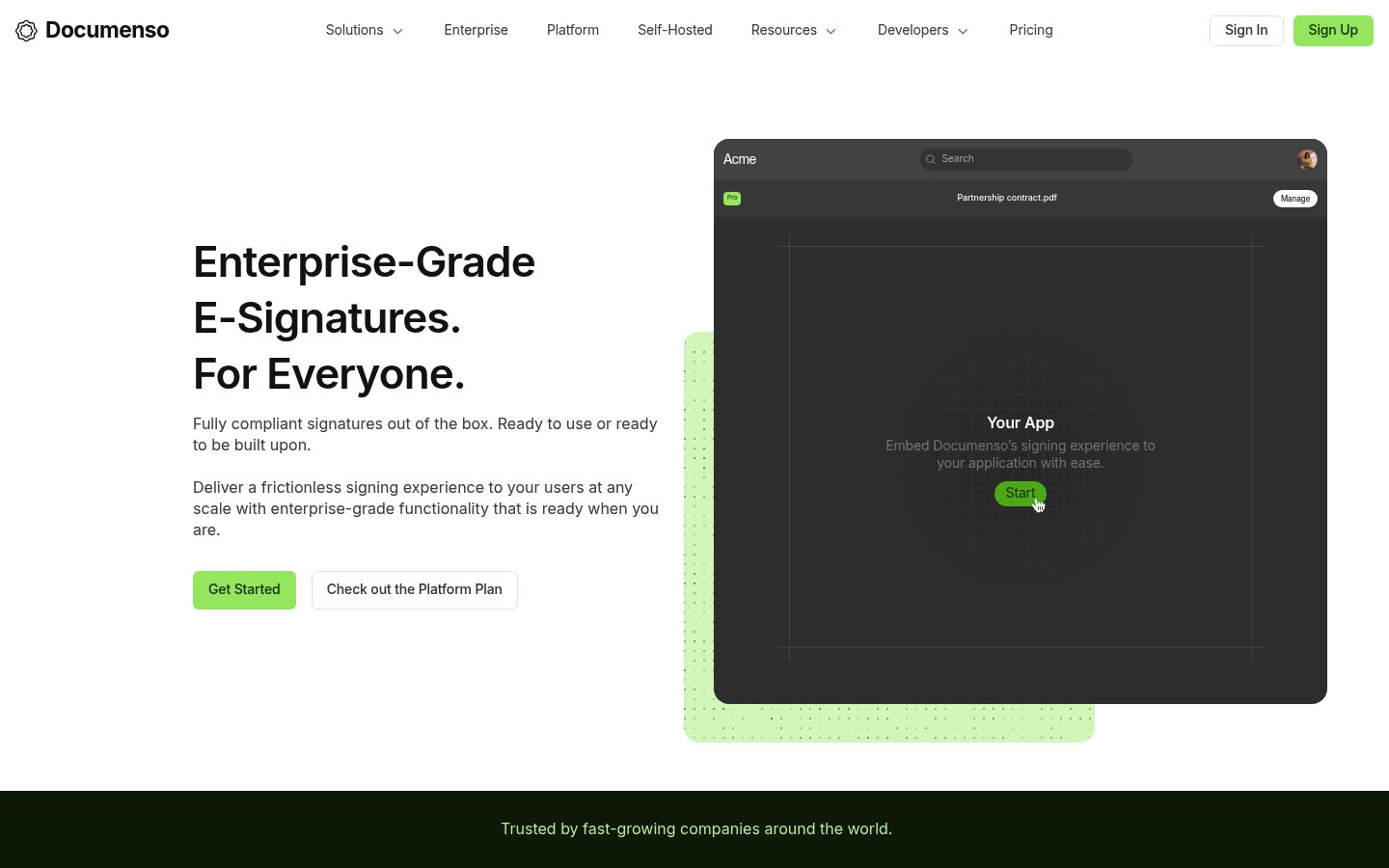
You have two paths. The hosted Free plan costs nothing but limits you to 5 documents per month with up to 10 recipients each, per Documenso's pricing page. Paid hosted plans unlock unlimited signing and API access. Self-hosting the Community Edition is free and unlimited, but per Documenso's own self-hosting page, the Community Edition is positioned for testing and evaluation: it includes no application or infrastructure support, no SLAs, and no enterprise feature set.
One detail worth knowing: compliance certifications that Documenso advertises apply to their hosted cloud service, not to your self-hosted deployment. If you self-host, compliance of that deployment is on you.
The tradeoff: excellent UX and a real free tier, but the solo hosted free plan's 5-document monthly cap is tight for active client work, and serious self-hosted production use is meant for the paid editions. Our dedicated Documenso comparison goes deeper.
DocuSeal: built for PDF forms and templates
DocuSeal is an open-source signing platform focused on turning PDF, DOCX, XLSX, and other files into fillable forms that get sent for signature. It supports multiple signers, an audit log, field autodetection, shared-link and in-person signing, and it can even import your existing DocuSign templates (that import is a Pro feature).
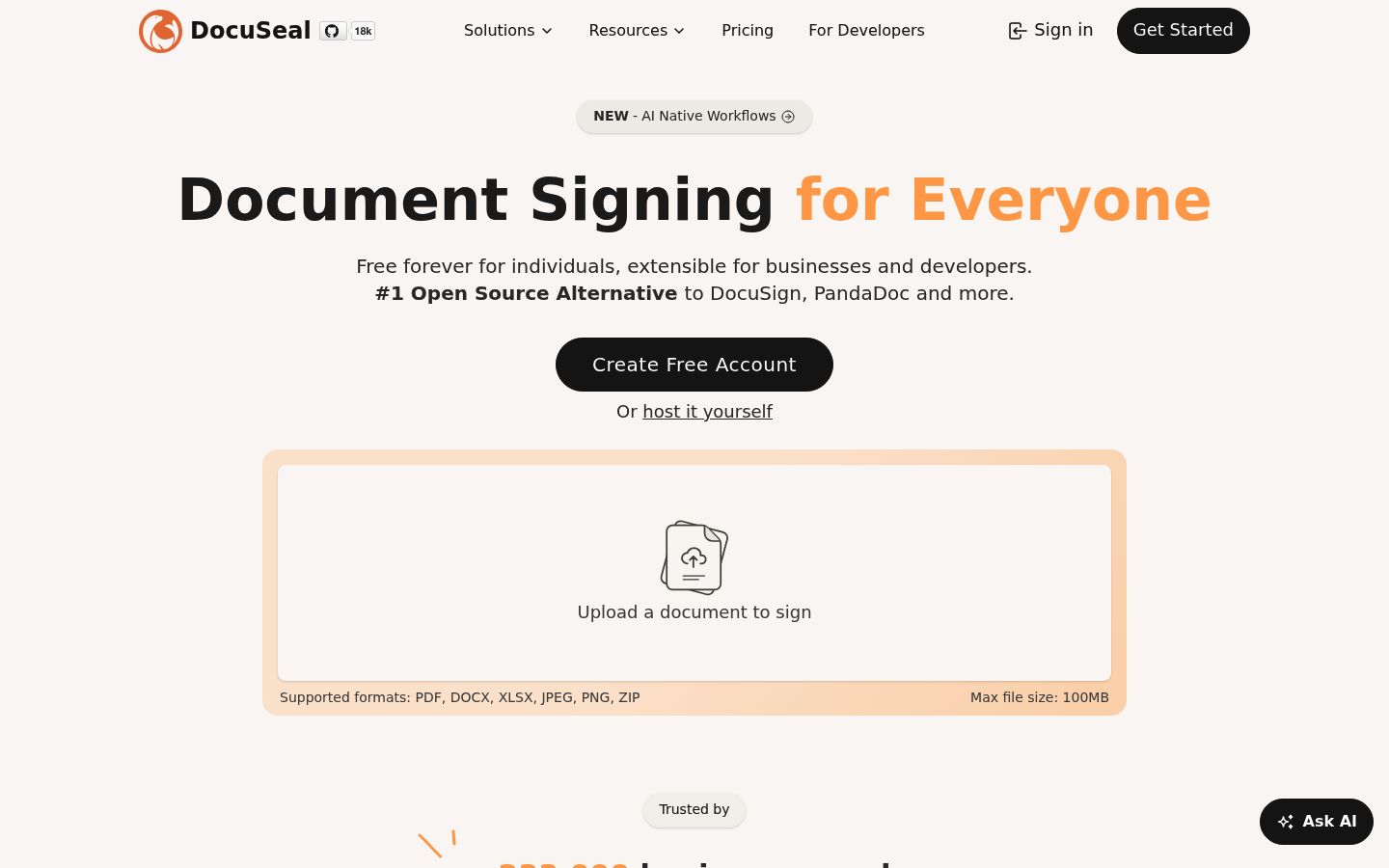
Self-hosting the open-source edition is genuinely capable: unlimited signature requests and emails, indefinite retention, and your own SMTP. But check the fine print on DocuSeal's pricing page. On a self-hosted install, white-label, user roles, teams, automated reminders, conditional fields, SSO/SAML, SMS verification, and the embedding API all require the Pro license at $20 per user per month. The open-source edition also ships a self-signed rather than trusted signing certificate.
There is a licensing wrinkle too: DocuSeal is distributed under AGPL-3.0 with Section 7(b) additional terms, which include an attribution requirement. Read the license file before rolling it into a commercial product.
The tradeoff: the best form-building experience in this group, but a solo user on the free hosted Basic plan is limited to 10 signature request emails per month, so heavier use pushes you toward self-hosting or Pro. See our DocuSeal alternative page for the hosted-vs-self-hosted breakdown.
OpenSign: the broadest free feature set
OpenSign positions itself as "the free and open source DocuSign alternative," and its feature list backs that up: self-signing, signature requests, templates, bulk send, teams, SSO, audit trails, webhooks, and a REST API. The GitHub repository documents a Docker deployment path, and the project is licensed AGPL-3.0.
Two practical notes if you self-host. First, the default MongoDB instance in the deployment is not persistent, so you must supply your own database connection or you lose data on restart. Second, OpenSign distinguishes between free sandbox API tokens and paid live production API tokens, so free self-hosted API use is a test environment, not a production pipeline.
If self-hosting feels heavy, OpenSign also runs a hosted cloud with a free tier for individuals, which is a reasonable middle ground.
The tradeoff: the richest feature list of the self-hosted group, but a stack with more moving parts (including MongoDB) than some alternatives, and production API access is paid. Our OpenSign comparison page covers the details.
LibreSign: the Nextcloud-only option
LibreSign is different from the other three: it is not a standalone application. It is an app that installs inside Nextcloud, the self-hosted file and collaboration suite, and it is maintained by the Brazilian cooperative LibreCode under AGPL-3.0.
That constraint cuts both ways. If your organization already runs Nextcloud, LibreSign is compelling: signing workflows live where your documents already live, with signing order and roles, external signers joining without accounts, X.509 certificate signing (including national PKI trust chains), automatic reminders, and QR-code document validation. The document never leaves your infrastructure.
If you do not run Nextcloud, this is not your tool. Standing up a Nextcloud instance just to sign PDFs is a lot of infrastructure for one job.
The tradeoff: the deepest data-sovereignty story in the list, but only for Nextcloud shops. Everyone else should look at Documenso, DocuSeal, or OpenSign instead.
Audit trails and legal validity: self-hosted vs hosted
An electronic signature's enforceability does not come from the software being open source. In the US, the ESIGN Act and UETA support simple electronic signatures; in the EU, eIDAS recognizes an SES level, with higher-assurance Advanced and Qualified signatures available for cases that need them. What actually protects you in a dispute is the evidence: who signed, when, from where, and whether the document changed afterward.
Here is the uncomfortable part for the self-hosted route. With a hosted service, the vendor maintains the audit trail infrastructure, delivery records, and integrity mechanisms for you. When you self-host, all of that evidence lives on your server, and keeping it complete, timestamped, and tamper-evident is your responsibility. A gap in your backups or an undocumented server change is your problem to explain later. DocuSeal's self-hosted edition, for example, ships a self-signed rather than trusted signing certificate.
For a plain-language walkthrough of signature levels and what evidence each needs, read the site's e-sign compliance guide. And whichever route you choose, treat SES adequacy as a question about your jurisdiction and document type, not a guarantee; for high-stakes contracts, confirm with a lawyer.
The true cost comparison
Open-source tools are free in license fees. They are not free in total cost of ownership:
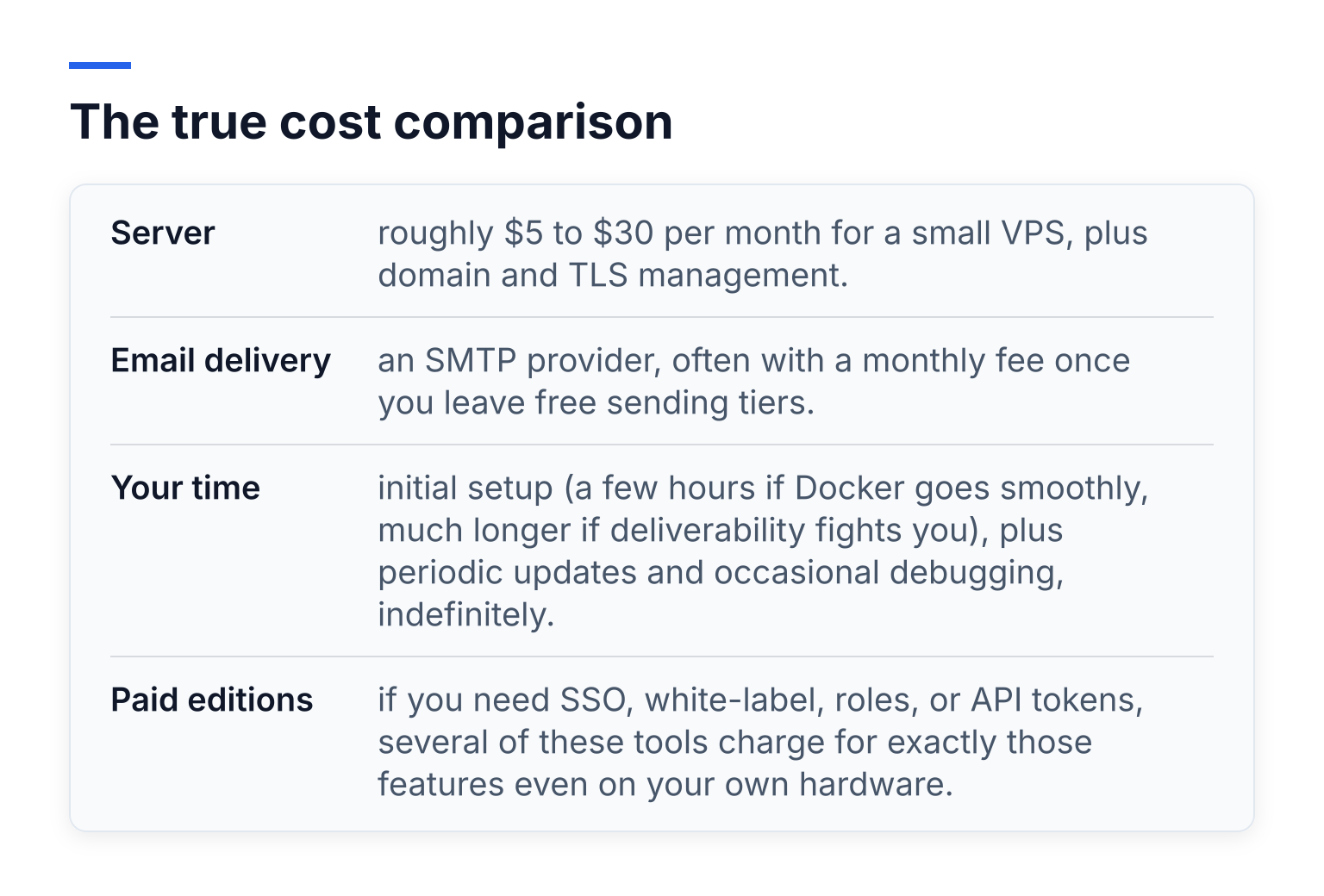
- Server: roughly $5 to $30 per month for a small VPS, plus domain and TLS management.
- Email delivery: an SMTP provider, often with a monthly fee once you leave free sending tiers.
- Your time: initial setup (a few hours if Docker goes smoothly, much longer if deliverability fights you), plus periodic updates and occasional debugging, indefinitely.
- Paid editions: if you need SSO, white-label, roles, or API tokens, several of these tools charge for exactly those features even on your own hardware.
A hosted free plan costs $0 in all four categories for a solo user. If you send a handful of contracts a month, self-hosting to save license fees is usually a bad trade: you would pay real money and hours to avoid a $0 bill.
Self-hosting starts making financial sense when you sign at serious volume, need hard data-residency guarantees, or already have the infrastructure and skills sitting idle. Third-party roundups such as this DocuSign alternatives overview catalog many more hosted options, but they rarely run this true-cost math.
Who should self-host, and who should not
Use this checklist. If most answers are yes, self-hosting suits you:
- I (or my team) already run servers and update them regularly.
- Data residency or compliance rules require documents on infrastructure I control.
- I am comfortable owning backups, security patches, and email deliverability.
- I sign at a volume where hosted paid plans would cost more than my time is worth.
- I have read the tool's license and I can live with its terms.
If most answers are no, use a hosted free plan:
- I just need client agreements, NDAs, and proposals signed quickly.
- I do not want to think about servers, SMTP, or certificates.
- I want an audit trail maintained for me.
- My signing volume fits comfortably in a generous free tier.
The bottom line
Open source is a real, credible answer to DocuSign, and Documenso, DocuSeal, and OpenSign are all actively maintained and genuinely free to self-host. Choose them when control and data residency matter more than convenience.
But for the solo founder or freelancer searching for an open-source DocuSign alternative, ask what you are actually after. If it is "sign documents for free," a hosted free plan gets you there in minutes with an audit trail included. If it is "own the infrastructure," pick the self-hosted tool whose free edition actually includes the features you need, and budget for the server work.
If the first description sounds like you, create a free SignFree account or start signing free. It is unlimited for one-person businesses, and there is nothing to install.
Frequently asked questions
Is an open-source e-signature tool really free? The license is free. The server, email delivery, maintenance time, and any paid-edition features you need are not. Total cost depends entirely on how much of the stack you already have.
Is a self-hosted signature legally valid? Simple electronic signatures are recognized under ESIGN/UETA in the US and eIDAS SES in the EU when supported by evidence. Validity depends on your jurisdiction and document type, and with self-hosting, maintaining that evidence is your job.
Which open-source DocuSign alternative is easiest to run? Documenso and DocuSeal have the smoothest Docker paths. OpenSign works well too but needs a persistent database configured from the start. LibreSign requires an existing Nextcloud server.
Do I need to self-host to get a free plan at all? No. Documenso, DocuSeal, and OpenSign all offer hosted free tiers with limits, and SignFree offers an unlimited free plan for one-person businesses without any hosting on your side.